23
If a Sheet Jams
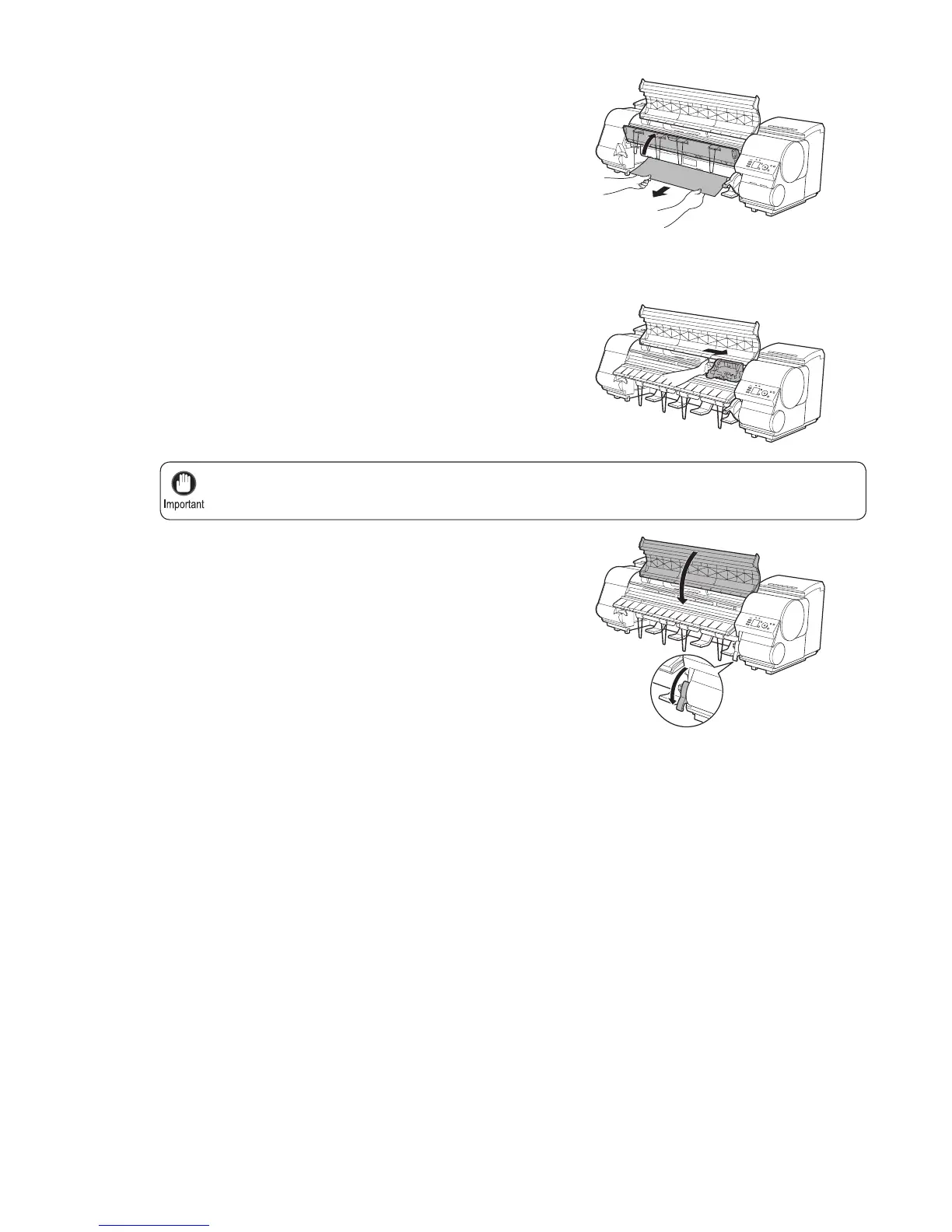
Always move the Carriage to the right side. If the Carriage is on the left, a Carriage error may occur
when you turn on the printer.
•
6
7
8
9
If the paper is not visible, lift the Ejection Guide , remove
the Roll Holder , and clear the paper jam from below.
If the Carriage is on the left, move the Carriage to the
right until it stops.
Lower the Release Lever and close the Top Cover .
Turn the printer on.
(→"Turning the Printer On and Off," User Manual)
After removing the paper, make sure there are no other
scraps of paper in the printer, and then lower the Ejection
Guide .











 To Next Page