22
If you push the Carriage to the left edge, the blade of the Cutter Unit will be lowered in preparation to
cut the paper. Be careful not to pinch your fi ngers between the Carriage and Platen if you have pushed
the Carriage to the left edge or if a paper jam occurs during cutting.
•
1
2
3
4
5
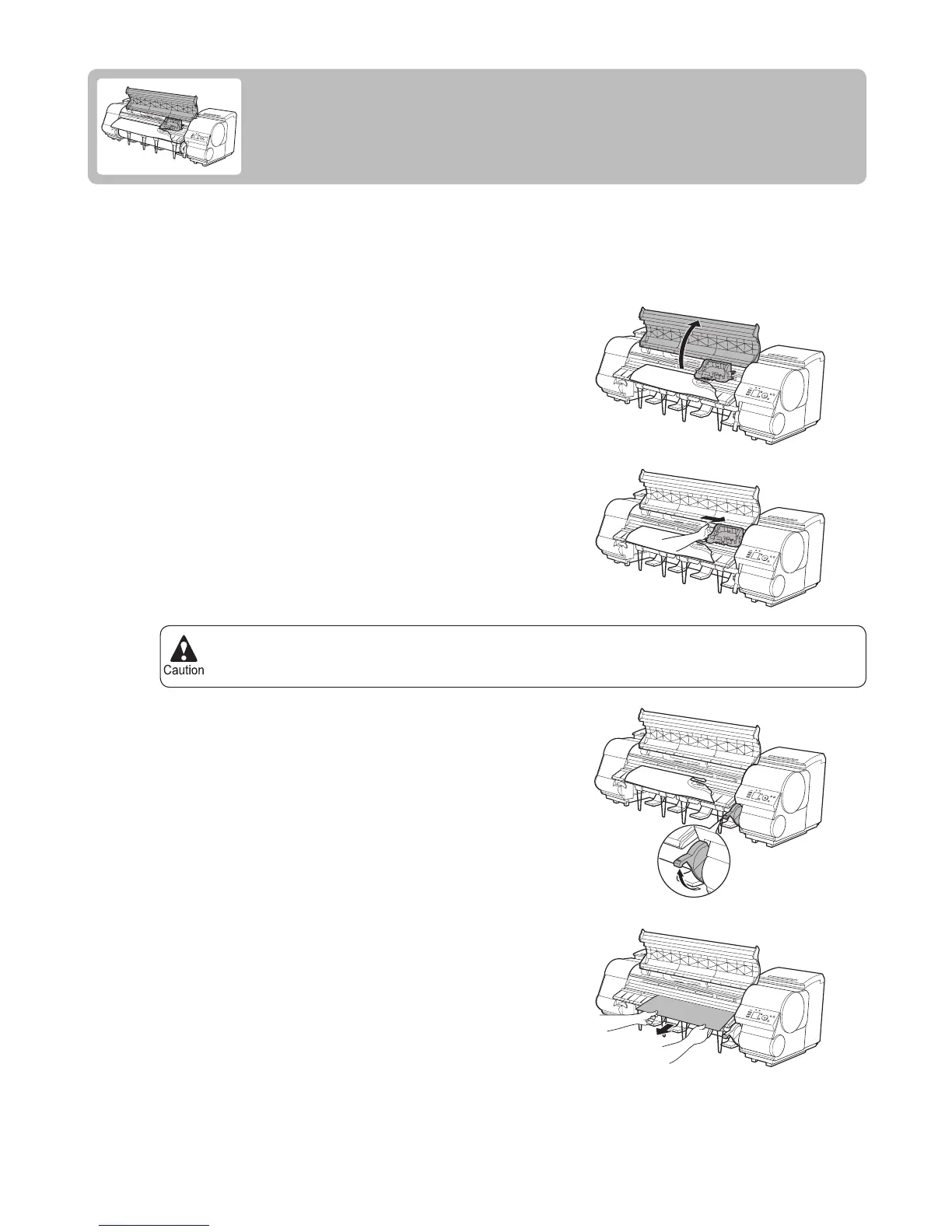
If a sheet jams, follow the steps below to remove it.
Turn the printer off.
(→"Turning the Printer On and Off," User Manual)
Open the Top Cover .
If the Carriage is out, move the Carriage out of the way,
away from the paper.
If a Sheet Jams
Clear jammed sheets as follows.
Lift the Release Lever .
If the paper is visible, hold the paper and pull it out toward
the front.











 To Next Page