28
If Vertical Lines are Warped or Colors are Misaligned
If the Tab Selection screen is not displayed, press the Menu button.•
1
2
3
4
5
7
6
Load paper.
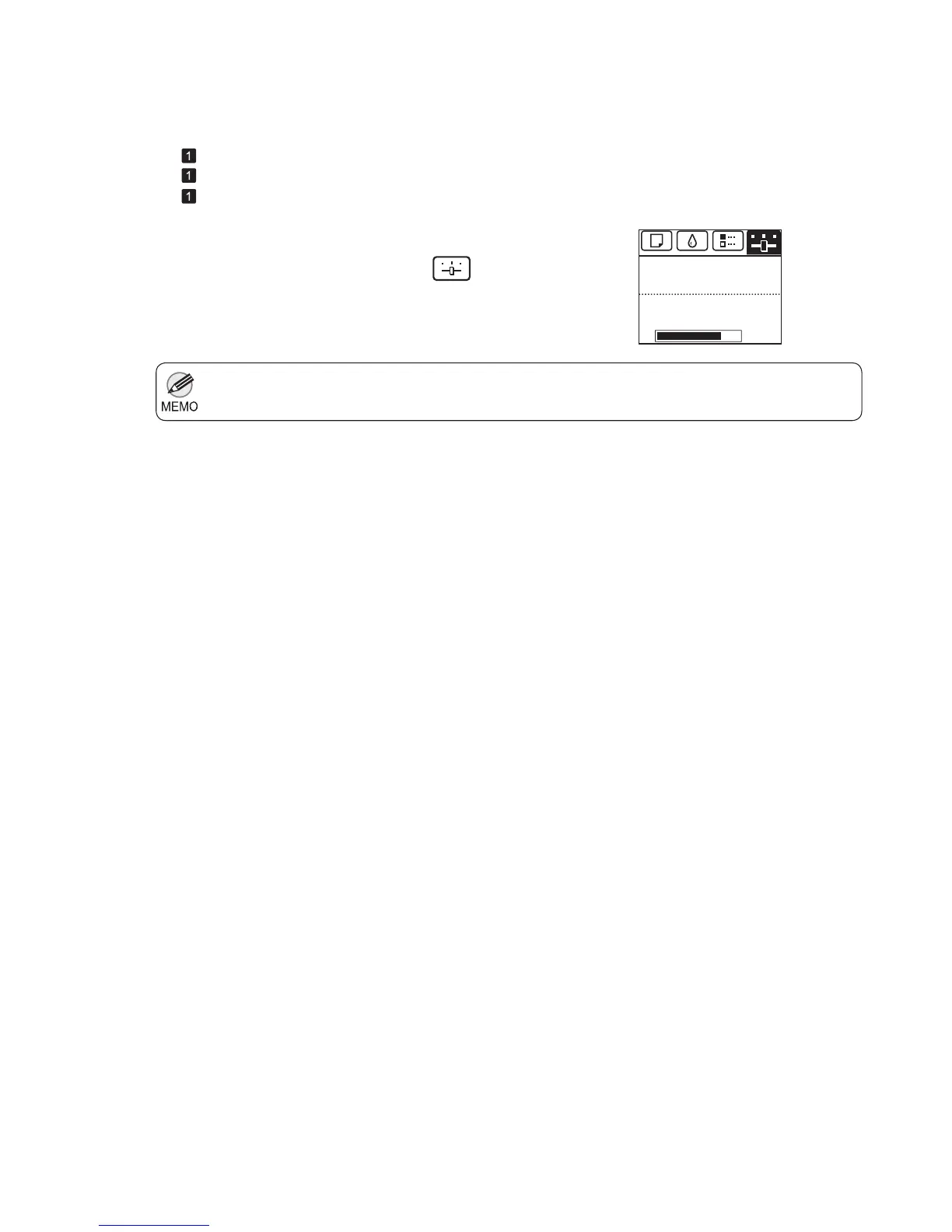
On the Tab Selection screen of the Control Panel , press
◄ or ► to select the Settings/Adj. tab (
).
Press the OK button.
Press ▲ or ▼ to select Adjust Printer , and then press
the OK button.
Press ▲ or ▼ to select Head Posi. Adj. , and then press
the OK button.
A test pattern is printed for adjustment.
Adjustment is now fi nished if you have printed on a roll.
If you are printing on sheets, a confi rmation message is
displayed requesting you to continue printing. Press the
OK button and follow the instructions displayed.
Perform adjustment as follows.
(→
, Attaching the Roll Holder to Rolls)
(→
, Loading Rolls in the Printer)
(→
, Loading Sheets in the Printer)
The Set./Adj. Menu is displayed.
Press ▲ or ▼ to select Auto(Standard) ,
Auto(Advanced) , or Auto(Expansion) , and then press
the OK button.
㪏㪇㩼
Remaining Amount
Maint. cart.
Ready
OK:Setting/Adj. Menu




 To Next Page