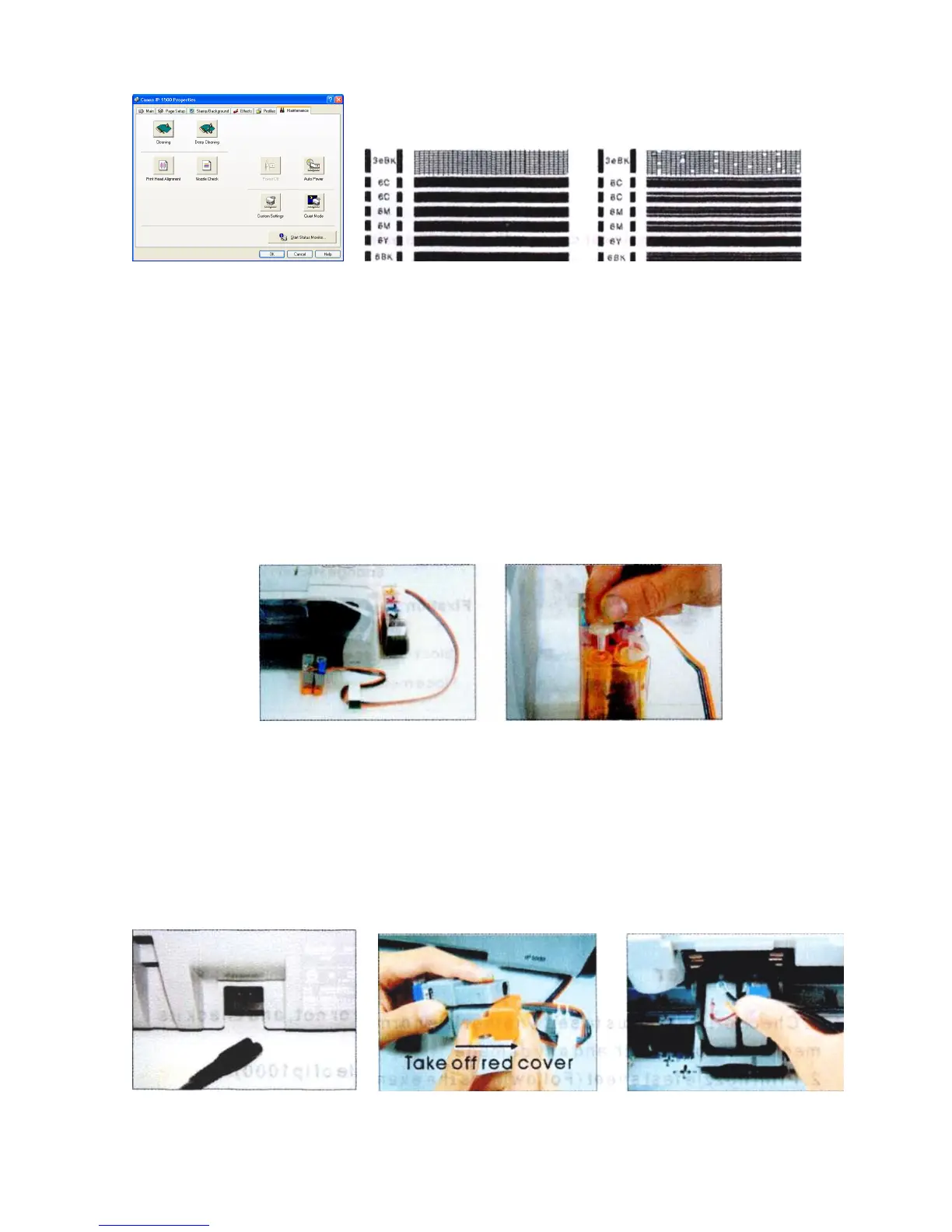
Pic. 2-1 Pic. 2-2 Pic. 2-3
3. If printer is alright, please print a picture to see the result.
Ill. Installation Procedures
1. Make the system ready
Put this system on the right side of the printer, tidy up ink flow tubes (3-1-1),
pull out all air plug and replace them with air filter with bigger side downward (keep
air plug for next use) (3-1-2). Move tube valve to close position, if you do not close
this valve, ink maybe flow back, leak, or mis-color.
Pic. 3-1-1 Pic. 3-1-2
2. Install the CISS cartridges
Turn the printer on, open it’s cover, cartridge holder will move to the "cartridge
change" position, plug the power source off (3-2-1), take the original cartridge off.
Take cartridge red color, clean them for next use). Install the cartridges according to
the color order; press back the cartridge cover (3-2-2).
Pic. 3-2-1 Pic. 3-2-2 Pic/ 3-2-3











 To Next Page