Access the menu for Maintenance Cartridge replacement
1
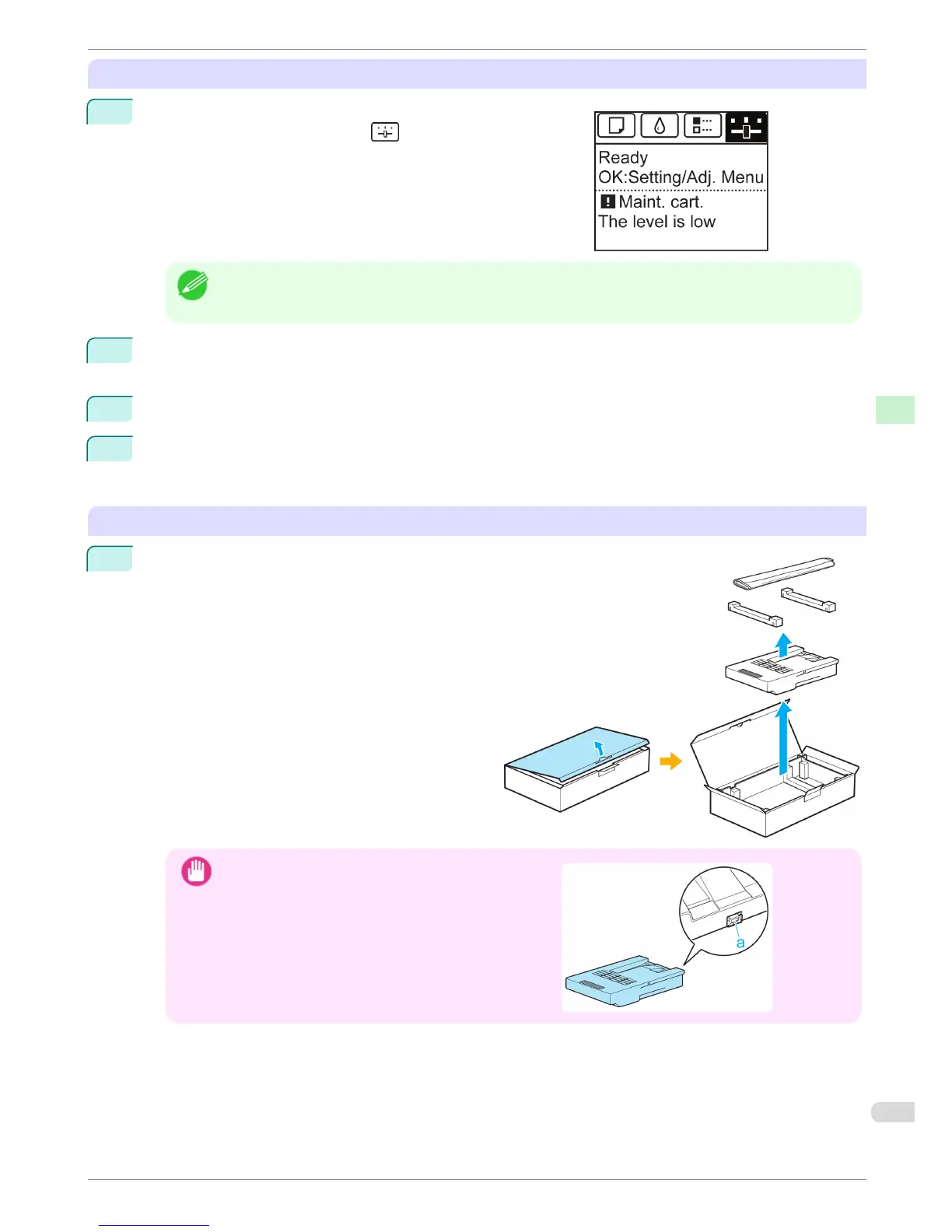
On the Tab Selection screen of the Control Panel, press ◀ or
▶ to select the Settings/Adj. tab ( ).
Note
• If the Tab Selection screen is not displayed, press the Menu button.
2
Press the OK button.
The Set./Adj. Menu is displayed.
3
Press ▲ or ▼ to select Maintenance, and then press the OK button.
4
Press ▲ or ▼ to select Repl. maint cart, and then press the OK button.
A message on the Display Screen advises you to open the Maintenance Cartridge Cover.
Replace the Maintenance Cartridge
1
Open the box, remove the plastic bag and packag-
ing material, and take out the Maintenance Car-
tridge.
Important
•
Never touch the metal contacts (a). This may dam-
age the Maintenance Cartridge.
iPF680 Series
Replacing the Maintenance Cartridge
Basic Guide
Consumables and Maintenance Maintenance Cartridge
37














 To Next Page