7
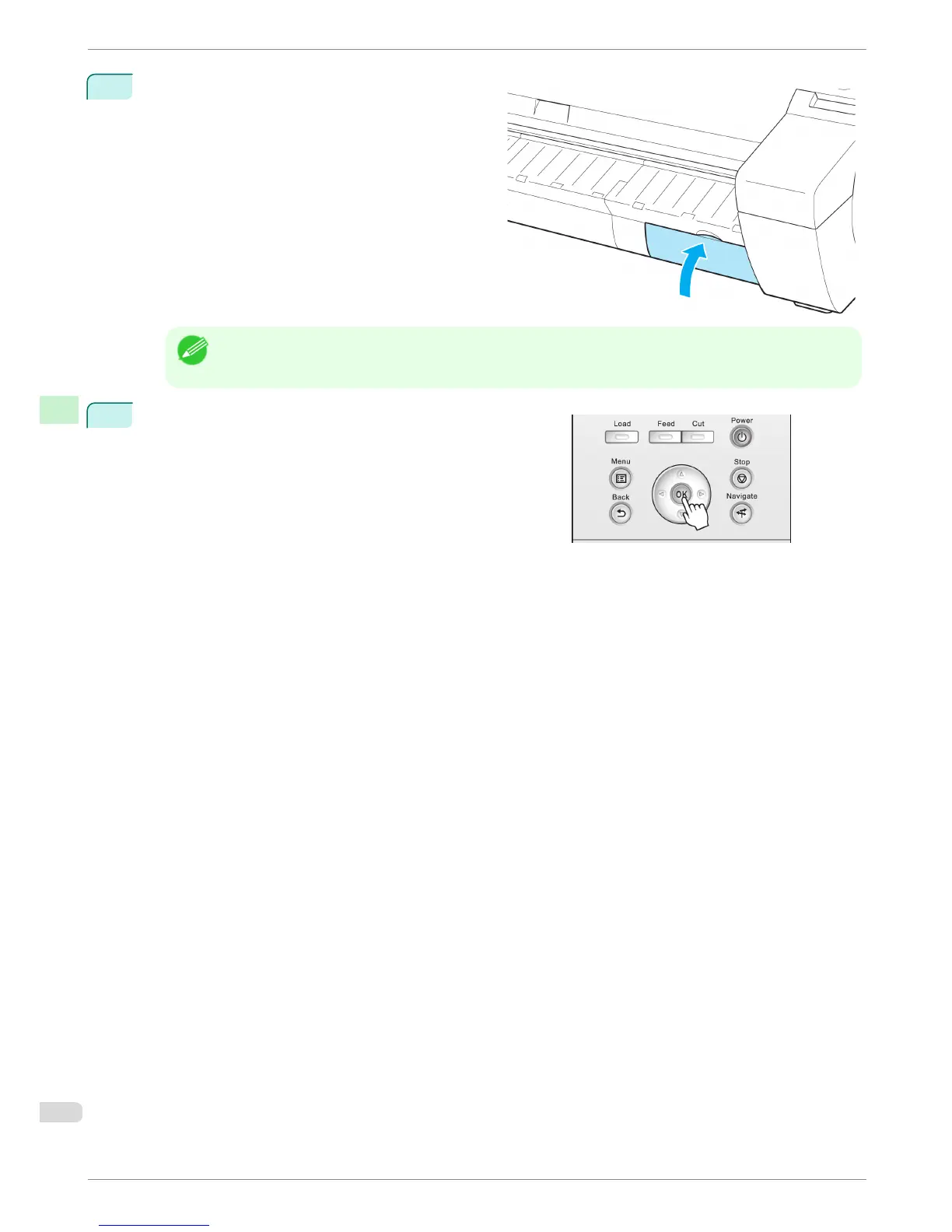
Close the Maintenance Cartridge Cover.
Note
• If you did not perform the operation in Access the menu for Maintenance Cartridge replacement, this
is the end of the procedure and you do not need to press the OK key in the next step.
8
Press the OK button.
Replacing the Maintenance Cartridge
iPF680 Series
Basic Guide
Consumables and Maintenance Maintenance Cartridge
40














 To Next Page