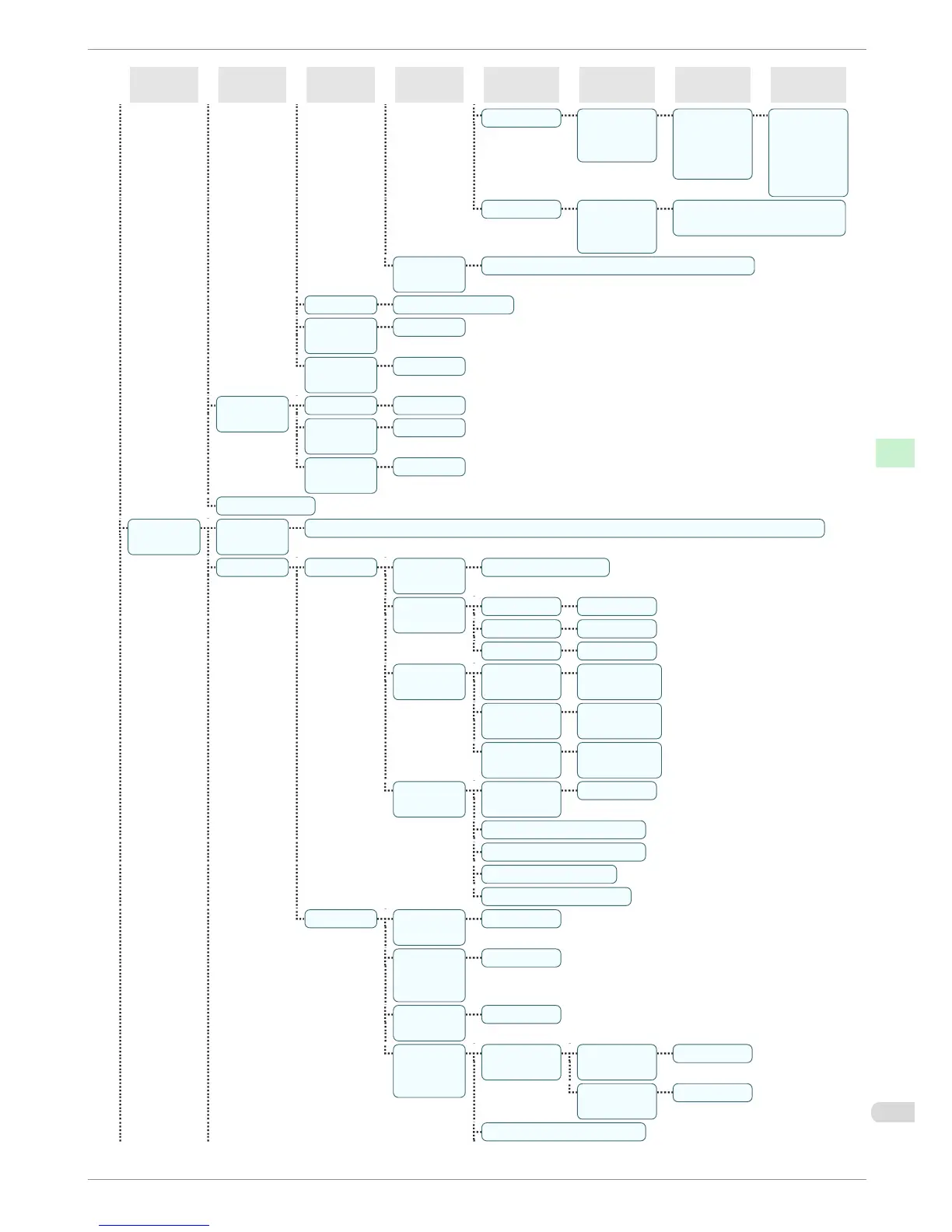
First Level
Second Lev-
el
Third Level Fourth Level Fifth Level Sixth Level Seventh Level Eighth Level
Palette B (Select the
pen num-
ber)
(Indicates
Width, Col-
or, and Line
Attributes )
(Specify the
values of
Width, Col-
or, and Line
Attributes )
Factory (Select the
pen num-
ber)
(Indicates Width, Color, and
Line Attributes )
Reset Pa-
lette
All Palette | Palette A | Palette B
Smoothing Software* | Smooth
ThickenFi-
neLines
Off* | On
Adjust-
FaintLines
Off | On*
Processin-
gOption
Warning Off* | On
PageSize-
Process1
Off* | On
PageSize-
Process2
Off* | On
GL2 Set Print
Interface
Setup(*7)
EOP Tim-
er(*7)
10 sec. | 30 sec. | 1 min. | 2 min. | 5 min. | 10 min.* | 30 min. | 60 min.
TCP/IP(*7) IPv4(*7) IPv4
Mode(*7)
Automatic | Manual*
Proto-
col(*4)(*7)
DHCP(*7) On | Off*
BOOTP(*7) On | Off*
RARP(*7) On | Off*
IPv4 Set-
tings(*8)
IP Ad-
dress(*8)
xxx.xxx.xxx.x
xx
Subnet
Mask(*8)
xxx.xxx.xxx.x
xx
Default
G/W(*8)
xxx.xxx.xxx.x
xx
DNS Set-
tings(*8)
DNS Dync
update(*8)
On | Off*
Pri. DNS SrvAddr(*8)
Sec. DNS SrvAddr(*8)
DNS Host Name(*8)
DNS Domain Name(*8)
IPv6(*7) IPv6 Sup-
port(*7)
On | Off*
IPv6 Stles-
sAddrs(*7)
(*9)
On* | Off
DHCPv6(*
7)(*9)
On | Off*
DNS Set-
tings(*8)
(*9)
DNS Dync
update(*8)
Statefull
Addr(*8)
On | Off*
Stateless
Addr(*8)
On | Off*
Pri. DNS SrvAddr(*8)
iPF680 Series
Menu Structure
Basic Guide
Printer Parts Operations and Display Screen
53














 To Next Page