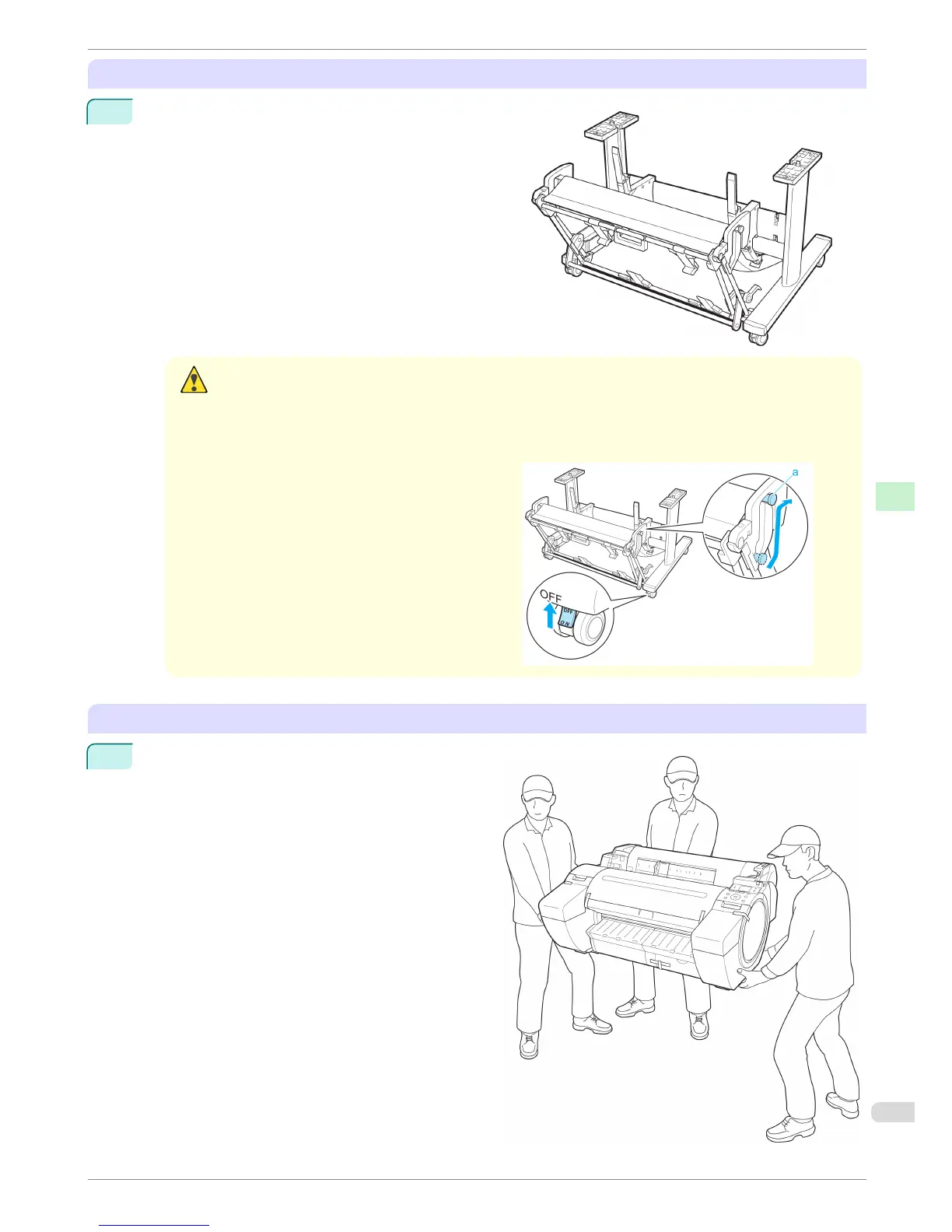
Assemble the stand (optional)
1
If you are using the optional Stand, assemble the Stand
by referring to the Printer Stand Setup Guide included
with the Stand.
Caution
• The Stand must be assembled by at least two people on a flat surface. Attempting assembly by yourself
poses a risk of injury or bending the Stand.
• When assembling the Stand, lock all four of the casters. Attempting to move the stand when the casters
are not locked poses a risk of injury or damage to the location site.
•
Before moving the assembled stand, lift the
support rod to the position shown (a) and un-
lock all four casters. Moving the stand with the
support rod lowered or the casters locked may
cause injury or damage the area of installation
or basket cloth.
Install the printer
1
Install the printer on a table or other flat surface.
If you will use the printer on an optional Stand, as-
semble the Stand before mounting the printer on it,
and then secure it with the Main Unit Securing
Bolts.
iPF680 Series
Reinstalling the Printer
Basic Guide
Printer Relocation Preparing to Transfer the Printer
65














 To Next Page