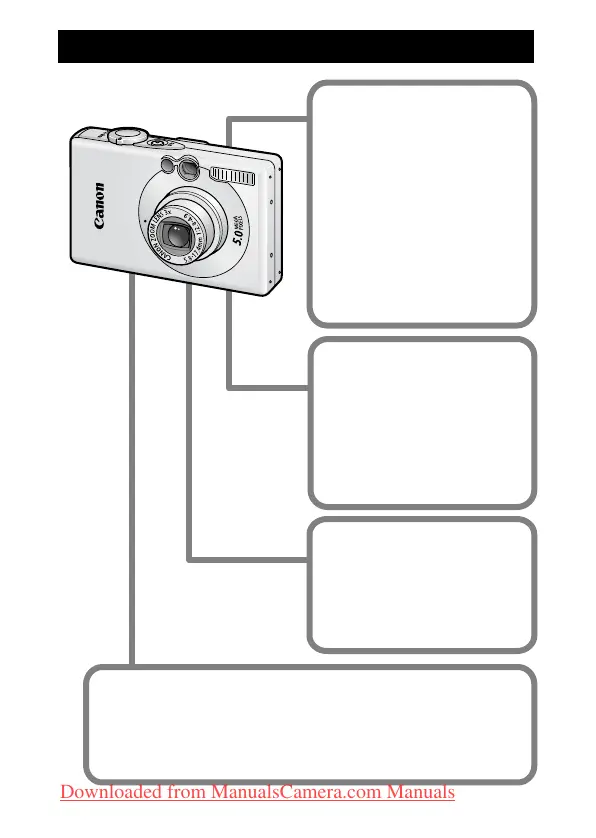
Main Features
Shooting
Automatically adjusts
shooting settings to match
particular conditions (Scene
mode)
Automatically detects
camera orientation with an
Intelligent Orientation
sensor
Changes image colors to
create special effects (My
Colors modes)
Playback
Plays movies with sound
Auto plays slideshows
Editing
Records sound memos for
still images
Edits movies
Printing
Makes printing easy with
the Print/Share button
Also supports non-Canon
brand PictBridge compliant
printers
Uses of Recorded Images
Effortlessly transfer them to a computer with the Print/
Share button
Freely customize the start-up image or start-up sound using
the My Camera settings
Downloaded from ManualsCamera.com Manuals



 To Next Page