26
기기 사용하기
■
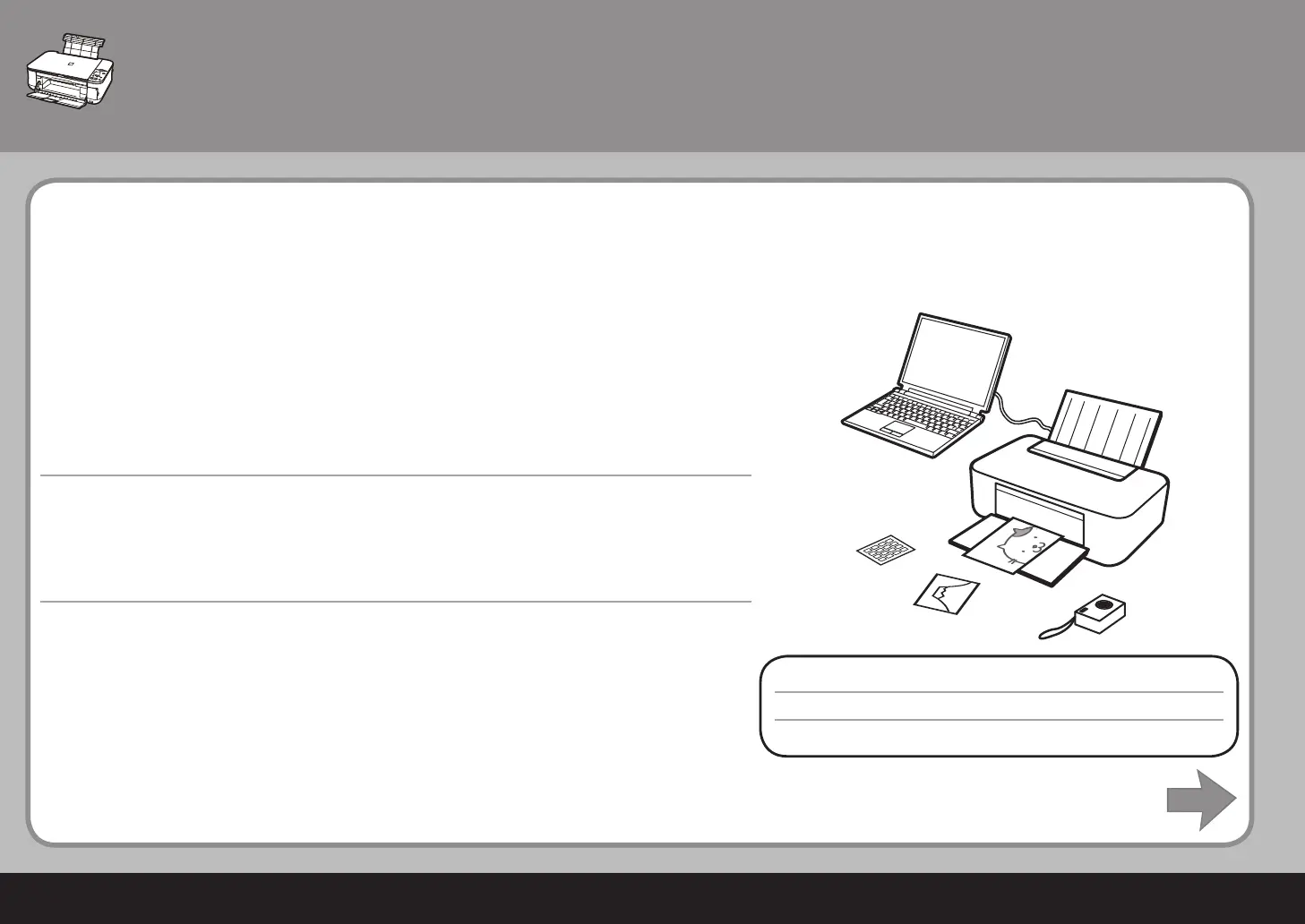
이 기기는 컴퓨터에 설치된 MPdriver와 어플리케이션 소프트웨어를 사용하여 인쇄할 수 있게 합니다.
예를 들어, 문서/이미지를 컴퓨터에 스캔하여 경계면 없이 복사하거나 인쇄할 수 있습니다. 스캔한 이
미지를 쉽게 수정/강화할 수 있습니다. 이를 사용하여 나만의 달력 등을 쉽게 만듭니다.
자세한 조작 절차 및 기능에 대하여서는 전자 안내서를 참조하십시오.
이제 기기를 사용합니다!
기기 설치 후
使用本機
■
本機允許使用安裝到電腦上的 MP 驅動程式和應用程式軟體以多種方式列印。
例如,可以輕鬆地將文件 / 影像掃描到電腦中並影印它們,或進行滿版列印。掃描的影像可以輕鬆地
修正 / 增強。使用它們可以輕鬆地創建個性化日歷等。
有關詳細的操作步驟和功能,請參閱電子手冊。
現在開始使用本機 ﹗
本機安裝完成後
Using Your Machine
■
This machine allows you to print in various ways using the MPdriver and application software
installed on the computer.
For example, you can scan documents/images into a computer and copy them, or print them
without borders. Scanned images can be corrected/enhanced easily. Use them to create your own
calendar etc. easily.
For detailed operating procedures and functions, refer to the on-screen manuals.
Now let's use the machine!
After Installing the Machine



 To Next Page