17
XIII ERASING A DOCUMENT FROM THE MEMORY
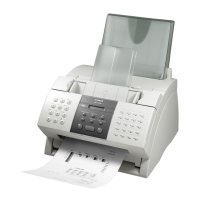
A. Using the DELETE FILE Button
1. Press Delete File
2. Press ▼ to select the desired TX/RX number to be deleted
3. Press OK
4. Press * to confirm deletion
B. Using The Memory Reference Button
1. Press Memory Reference
2. Press ▼ to select “DELETE DOCUMENT”
3. Press OK
4. Press ▼ to display the desired TX/RX number
5. Press OK
6. Press * to confirm deletion
7. Press Stop



 To Next Page