1
CONTENTS
PAGE
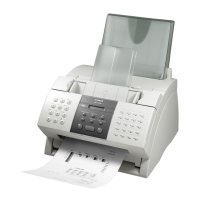
SUPER G3 FAX-L2000
I To Register Sender’s Identification 3
II Sending Documents 4
III Setting Up Speed Dialing
A One-touch Speed Dial 5
B Coded Speed Dial 6
C Group Dial 7
IV To Erase Auto-Dialing Numbers
A One-touch Speed Dial 8
B Coded Speed Dial 8
C Group Dial 8
V Sending To More Than One Location 9
(Sequential Broadcasting)
VI Sending At A Preset Time 10
(Delayed Transmission)
VII To Print Documents Received In The Memory 11
VIII To Re-send Documents Received In Memory 12
To A Different Destination
(If No. VII above is not possible)
IX To Print Reports & Lists 13
A Speed Dial Lists 13
B Activity Management Report 13
C Document Memory List 13
X To Make A Photocopy 14
XI To Request For A Transmission (TX) Report
Only For A Particular Sending 15



 To Next Page