10-2
Machine Settings
10
COMMON SETTINGS
(The factory default setting is in bold face.)
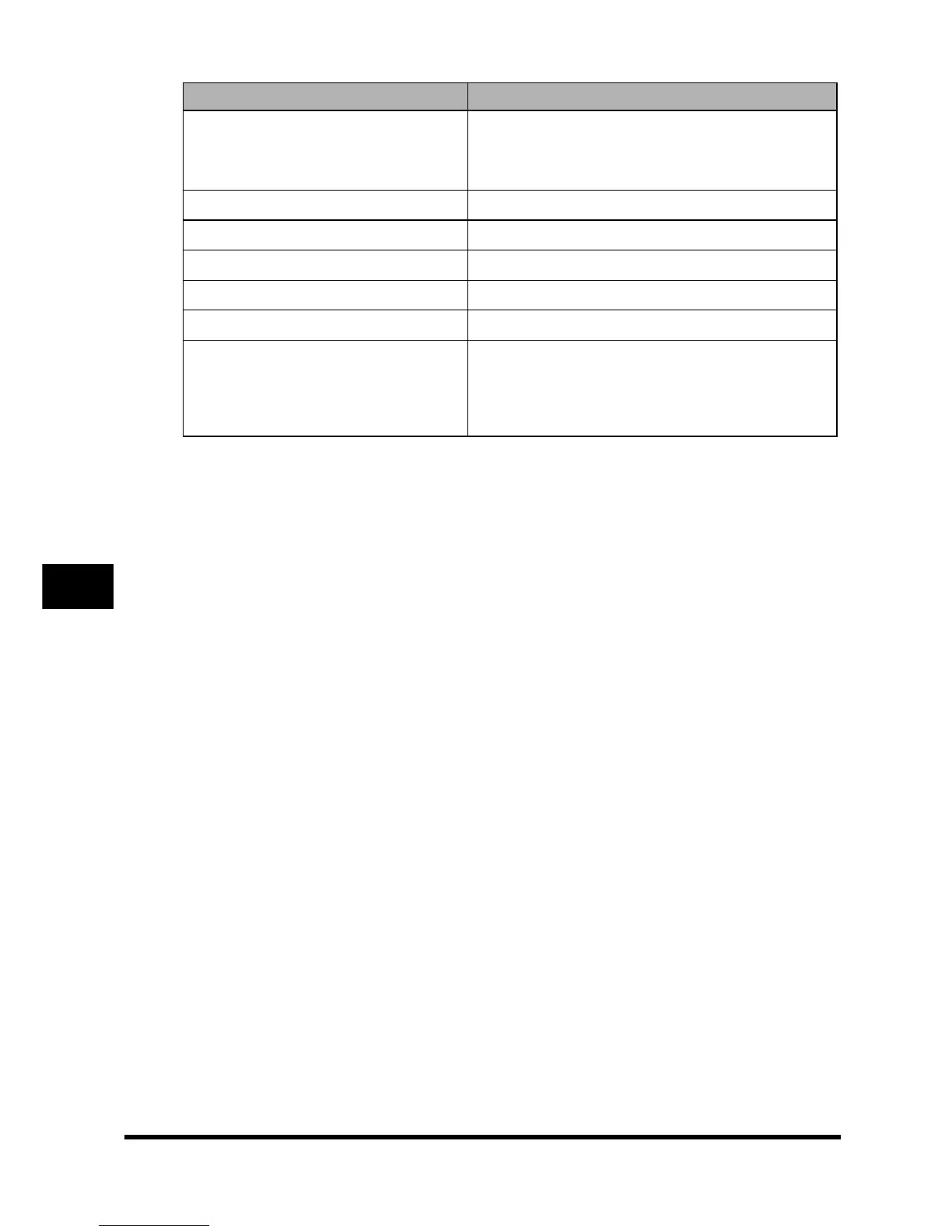
Name Descriptions
1. DEFAULT SETTINGS Selects the Copy, or Scan mode for the machine's
default mode. When the power cord is plugged in, or
after the auto clear function activates, the standby
display of the selected mode appears.
COPY The Copy mode is selected as default.
SCAN The Scan mode is selected as default.
2. TONER SAVER MODE Sets the toner saver mode.
OFF The toner saver mode is turned off.
ON The toner saver mode is turned on.
3. DISPLAY LANGUAGE Shows the language displayed in the LCD.
ENGLISH, FRENCH, SPANISH, GERMAN, ITALIAN,
DUTCH, FINNISH, PORTUGUESE, NORWEGIAN,
SWEDISH, DANISH, SLOVENE, CZECH,
HUNGARIAN, RUSSIAN





 To Next Page