1-5
Before Using the Machine
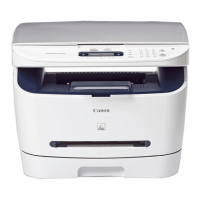
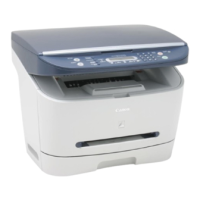
● MF3220
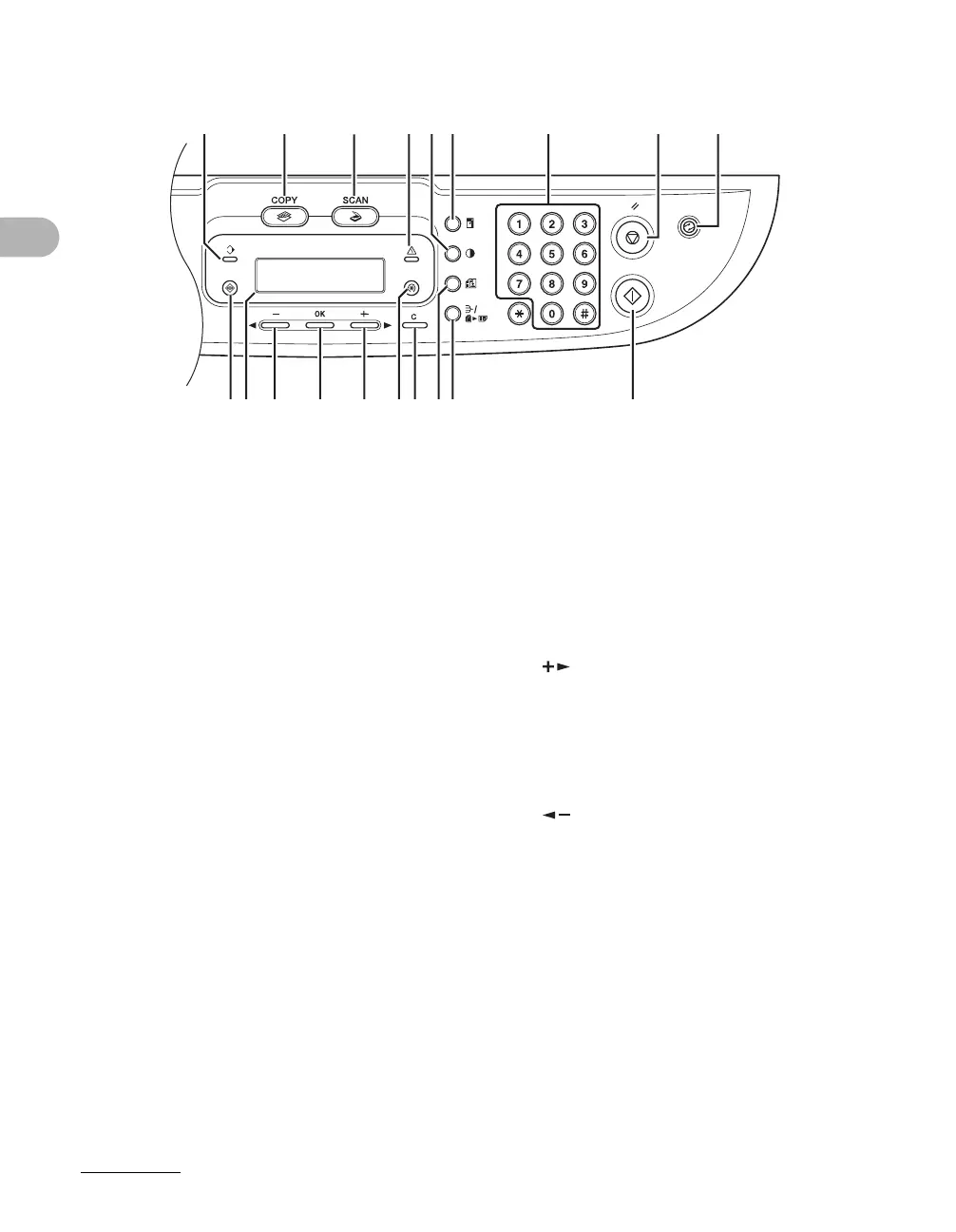
A Processing/Data indicator
Lights when the machine has waiting jobs.
B [COPY] key
Press to switch to Copy mode.
C [SCAN] key
Press to switch to SCAN mode.
D Error indicator
Flashes when an error has occurred.
E [Density] key
Press to adjust copy density.
F [Enlarge/Reduce] key
Press to enlarge or reduce copy ratio.
GNumeric keys
Press to enter numbers.
H [Stop/Reset] key
Press to stop a current job. Also, press to
return the machine to standby mode.
I [Energy Saver] key
Press to set or cancel Sleep mode manually.
The key lights green when Sleep mode is set,
and goes off when the mode is canceled.
J [Start] key
Press to start copying and scanning.
K [Collate/2 on 1] key
Press to collate copies, or press to set 2 on 1
copying.
L [Image Quality] key
Press to select image quality for copy.
M[Clear] key
Press to clear entered alphanumeric
characters.
N [Additional Functions] key
Press to select or cancel modes in Additional
Functions.
O[ ] key
Press to increase the value for various
settings. Also press to see the next item in
the menu.
P[OK] key
Press to accept a set function or mode.
Q[ ] key
Press to decrease the value for various
settings. Also press to see the previous item
in the menu.
R LCD display
Displays messages and prompts during
operation. Displays selection, text, and
numbers when adjusting the settings.
S [System Monitor] key
Press to check print status, print and scan
counts.
AB
C
DFEGHI
JKLMONPQRS






 To Next Page