Setting a Remote UI PIN
0W20-044
You can set a PIN for access to the Remote UI. All users use a common PIN.
● When Department ID Management is enabled, setting here is not required.
Setting the Department ID
Management(P. 209)
1
Start the Remote UI and log on in System Manager Mode. Starting Remote
UI(P. 270)
2
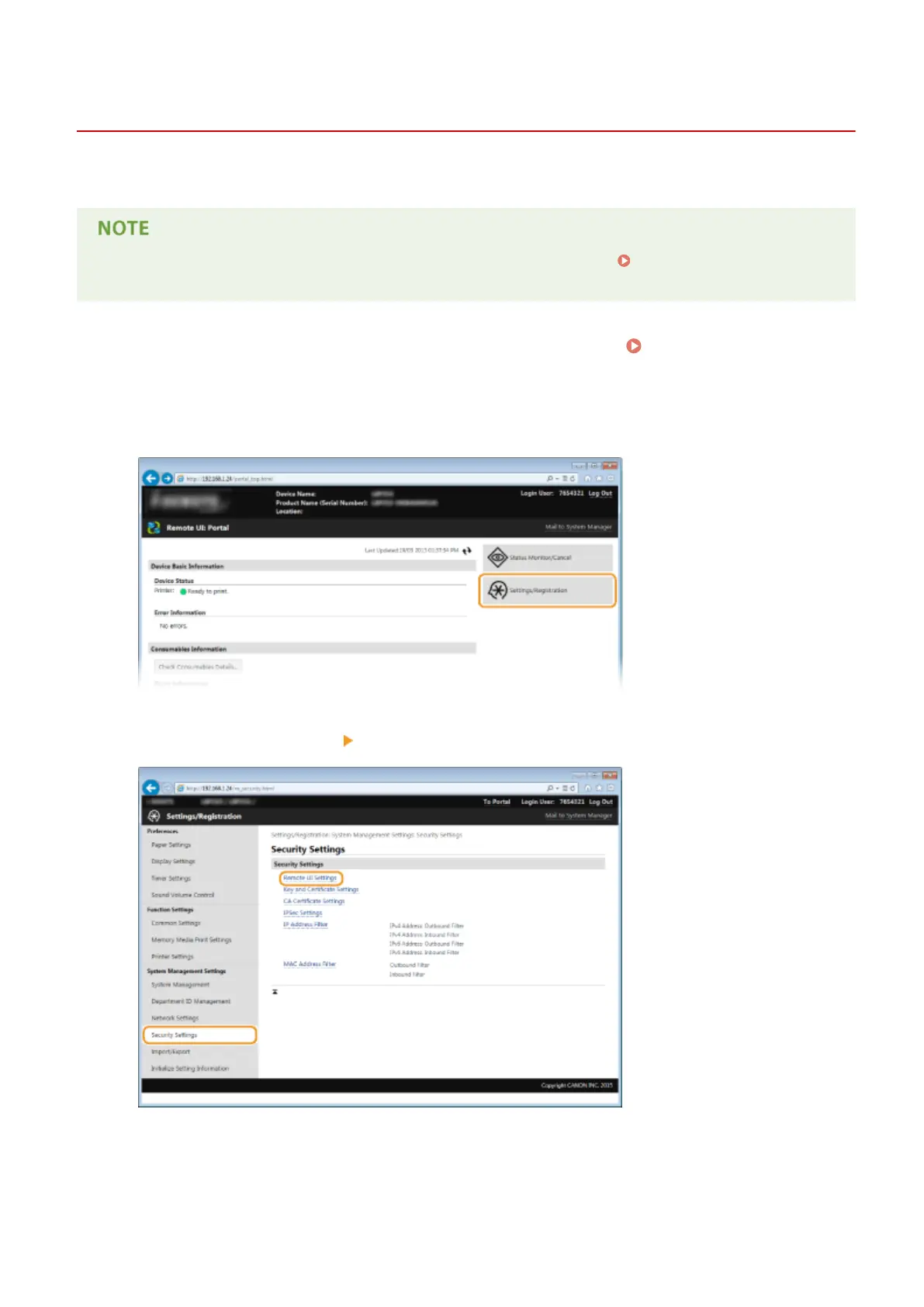
Click [Settings/Registration].
3
Click [Security Settings] [Remote UI Settings].
4
Click [Edit].
Security
216









 To Next Page