
 Need help?
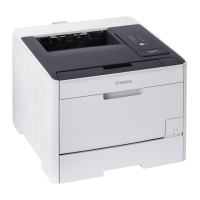
Do you have a question about the Canon LBP722Cdw and is the answer not in the manual?
Remove all packing material and tape from the printer before proceeding with setup.
Connect the power cord to the machine and then to the power outlet.
Set an Administrator password to enhance machine security and access control.
Connect the machine to a wired network by connecting the LAN cable.
Connect the machine to a wireless network by selecting SSID and entering the network key.
Install the necessary software and drivers from the included CD/DVD or website.












 To Next Page

 General