EasyManua.ls Logo

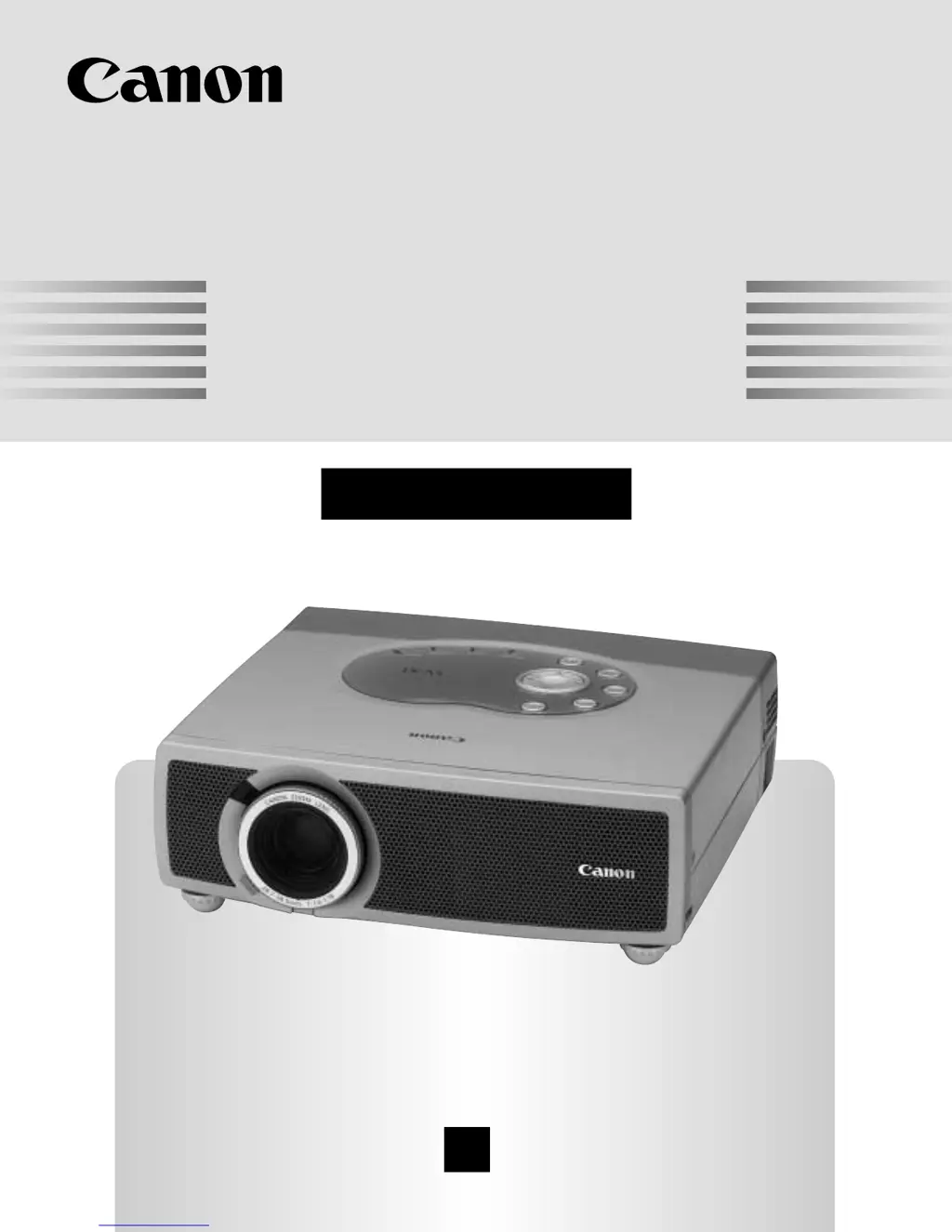
Canon LV-X1 - User Manual

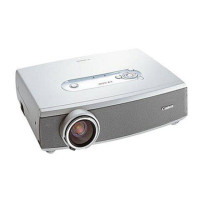
Canon LV-X1
44 pages
Print Icon
To Next Page IconTo Next Page
Loading...
E
English
Multimedia Projector
Owner’s Manual
LV-X1

Table of Contents

Other manuals for Canon LV-X1

Questions and Answers

  • M
    Marilyn BatesAug 13, 2025
    How to troubleshoot Canon LV-X1 Projector when it has no power?
    • J
      joshua66Aug 13, 2025
      First, ensure the projector is plugged into a functioning AC outlet and that the READY indicator light is illuminated. If it still doesn't power on, wait 90 seconds after the projector was last turned off before attempting to turn it on again. Also, check the WARNING TEMP indicator; if it's flashing red, the projector cannot be turned on. Finally, check the Projection Lamp.
  • E
    ebutlerAug 17, 2025
    What to do if my Canon Projector shows no image?
    • J
      jasminegarciaAug 17, 2025
      Check the connection between your computer or video equipment and the projector. Ensure the NO SHOW function is not activated. When turning the projector on, allow about 30 seconds for the image to appear. Verify that the selected system corresponds with your computer or video equipment. Also, ensure the ambient temperature is within the operating range of 5°C to 35°C.
  • S
    Sandra JohnsonAug 20, 2025
    Why is there no sound coming from my Canon LV-X1?
    • L
      Lisa DiazAug 21, 2025
      Check the audio cable connection from the audio input source. Adjust the audio source settings. Press the VOLUME (+) button to increase the volume. Also, make sure the MUTE button is not activated.
  • M
    Mrs. Molly Higgins MDAug 25, 2025
    How to fix a blurry image on my Canon LV-X1?
    • A
      amandacastroAug 25, 2025
      Adjust the focus of the projector. Ensure the projection screen is at least 5.3’ (1.6m) away from the projector. Check the Projection Lens to see if it needs cleaning. If condensation is present, leave the projector OFF until it disappears.
  • T
    Terry FlemingAug 28, 2025
    Why isn't the remote control working with my Canon Projector?
    • B
      Brian BatesAug 28, 2025
      Check the battery in the remote control unit. Ensure there are no obstructions between the Infrared Remote Receiver on the projector and the Remote Control Unit. Make sure you are within a reasonable distance from the projector when using the remote. Verify that the remote control code is set to match the projector.
  • S
    Scott FisherSep 1, 2025
    How to correct a left/right reversed picture on my Canon LV-X1?
    • S
      Scott PittsSep 1, 2025
      Check the Ceiling / Rear feature settings.
  • J
    James SmithSep 4, 2025
    How do I fix a top/bottom reversed picture on my Canon Projector?
    • C
      Cynthia SotoSep 4, 2025
      Check the Ceiling feature setting.
  • H
    Heather WilsonSep 8, 2025
    What to do if some displays are not visible during operation of my Canon LV-X1?
    • B
      billy57Sep 8, 2025
      Check the Display feature settings.

Canon LV-X1 Specifications

General IconGeneral
ResolutionXGA (1024 x 768)
Lamp Life2000 hours (Normal mode), 3000 hours (Eco mode)
Display TechnologyLCD
Projection Size30 - 300 inches
Throw Distance1.1 - 10.8 m
Input PortsS-Video
Brightness1000 ANSI lumens

Related product manuals