EasyManua.ls Logo

Canon LV-X310ST - User Manual

Canon LV-X310ST
80 pages
Print Icon
To Next Page IconTo Next Page
Loading...
ENGLISH
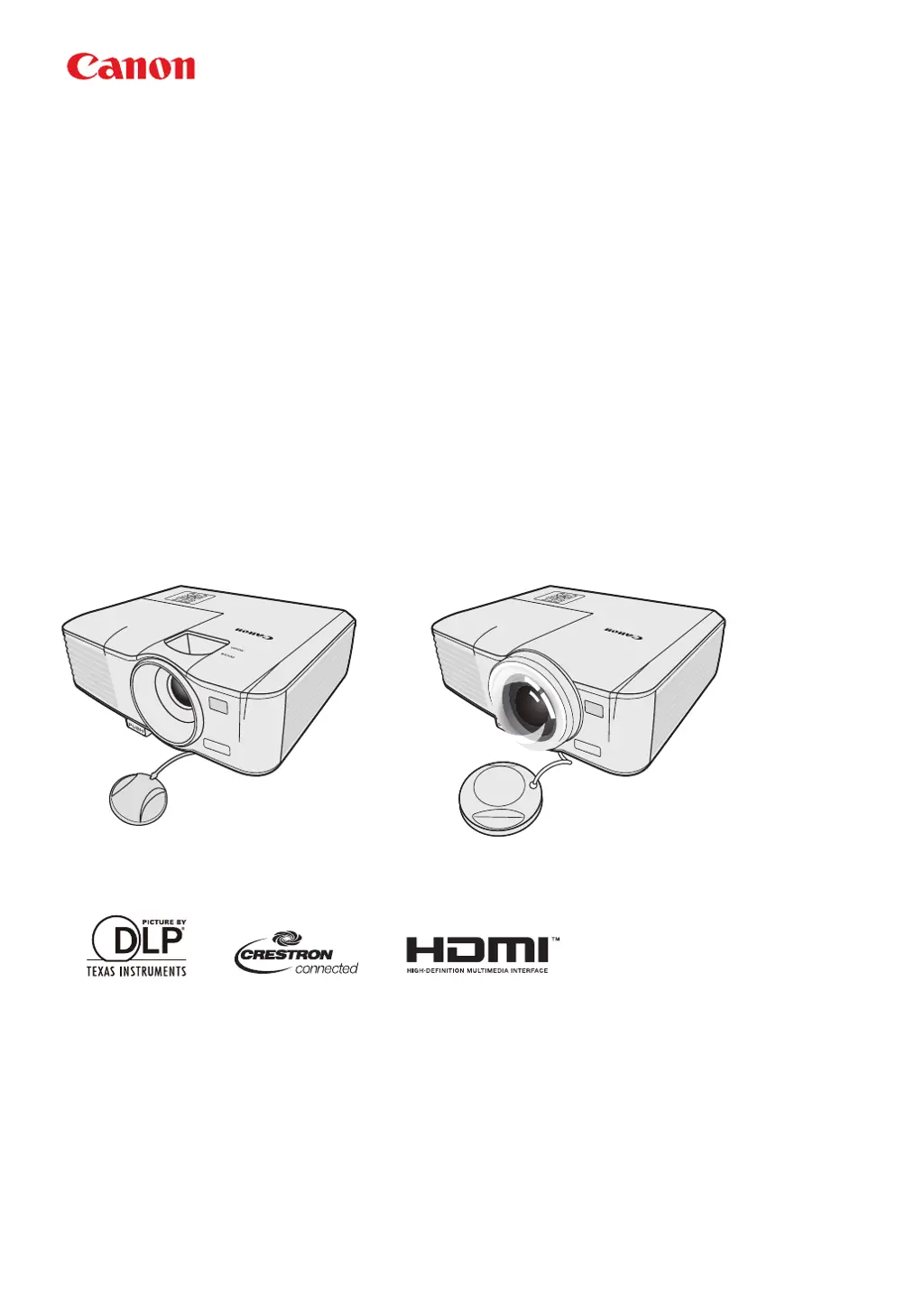
MULTIMEDIA PROJECTOR
LV-WX320/LV-X320/LV-WX310ST/LV-X310ST
Users Manual

Questions and Answers

  • L
    Larry MataAug 15, 2025
    Why does my Canon Projector show no picture?
    • F
      fhollowayAug 15, 2025
      There are several reasons why your Canon Projector might not be displaying a picture: * The video source might not be turned on or connected correctly. Ensure the video source is on and the signal cable is properly connected. * The projector might not be correctly connected to the input signal device. Check the connection to ensure it is secure. * The input signal might not be correctly selected. Use the SOURCE key on the projector or remote control to select the correct input signal. * The lens cover might be closed. Open the lens cover to allow the image to project.
  • L
    Laura RoachAug 18, 2025
    What to do if my Canon LV-X310ST Projector remote control does not work?
    • S
      Stephen HicksAug 18, 2025
      If your Canon Projector's remote control isn't working, consider these potential causes: * The battery might be out of power. Try replacing it with a new one. * There might be an obstacle between the remote control and the projector. Remove any obstructions. * You might be too far away from the projector. Ensure you are within 8 meters (26 feet) of the projector.
  • L
    Lisa StevensAug 21, 2025
    How to fix a blurred image on my Canon Projector?
    • W
      Wendy LozanoAug 21, 2025
      A blurred image on your Canon Projector can be caused by several factors: * The projection lens might not be correctly focused. Adjust the focus of the lens using the focus ring. * The projector and the screen might not be aligned properly. Adjust the projection angle and direction, as well as the height of the unit if necessary. * The lens cover might still be closed. Open the lens cover. * Depending on the video signal timing, the projector may need fine-tuning. Adjust the Phase in the IMAGE menu.
  • C
    Cameron SmithAug 25, 2025
    What to do if my Canon LV-X310ST Projector does not turn on?
    • D
      Deborah GonzalezAug 26, 2025
      If your Canon Projector isn't turning on, here are a couple of things to check: * Ensure the power cord is correctly plugged into the AC inlet on the projector and the power outlet. Also, check that the power outlet switch is on, if applicable. * If you've recently turned the projector off, it might be in the cooling process. Wait until the cooling down process has completed before attempting to turn it on again.
  • M
    Matthew Pearson MDAug 28, 2025
    Why can't I use the LAN function on my Canon Projector?
    • V
      Victoria MillerAug 28, 2025
      If you're having trouble with the LAN function on your Canon Projector, it could be due to: * Problematic LAN control settings or LAN cable connection. Verify the LAN control settings and ensure the LAN cables are properly connected. * The web page is not shown in the web browser or the web page is not responding. Reload the page to see the data after changing on the screen. If the page is not showing the modified data, check the IP address of projector and log-in again.
  • C
    Casey RiveraAug 31, 2025
    Why is there no picture on my Canon LV-X310ST Projector?
    • L
      Lawrence BrownAug 31, 2025
      Several factors could be causing the 'no picture' issue on your Canon Projector. Ensure that the video source is both turned on and correctly connected. Verify the projector is correctly connected to the input signal device. Use the SOURCE key on the projector or remote to select the appropriate input signal. Also, make sure the lens cover is open.
  • M
    Matthew Jones DVMSep 3, 2025
    How to fix a Canon Projector that won't turn on?
    • J
      Jerry WallsSep 4, 2025
      If your Canon Projector isn't turning on, first, ensure the power cord is properly plugged into both the AC inlet on the projector and a functioning power outlet. If the outlet has a switch, verify it's switched on. Also, if you've recently turned the projector off, allow the cooling process to complete before attempting to turn it on again.
  • E
    elizabethpetersSep 7, 2025
    Why is my Canon LV-X310ST image blurred and how to fix it?
    • C
      Connie BakerSep 7, 2025
      A blurred image on your Canon Projector can be due to several reasons. First, adjust the focus of the lens using the focus ring. Ensure the projector and screen are properly aligned by adjusting the projection angle, direction, and height if needed. Also, check that the lens cover is open. Finally, depending on the video signal timing, you may need to fine-tune the image by adjusting the Phase in the IMAGE menu.
  • D
    Dennis ThomasSep 10, 2025
    What to do if the Canon Projector remote control does not work?
    • M
      Mary ElliottSep 12, 2025
      If your Canon Projector's remote control isn't working, start by replacing the battery with a new one. Ensure there are no obstacles between the remote and the projector. Also, make sure you are within 8 meters (26 feet) of the projector.

Canon LV-X310ST Specifications

General IconGeneral
BrandCanon
ModelLV-X310ST
CategoryProjector
LanguageEnglish

Related product manuals