EasyManua.ls Logo

Canon LV-S3 - User Manual

Canon LV-S3
52 pages
Print Icon
To Next Page IconTo Next Page
Loading...
E
English
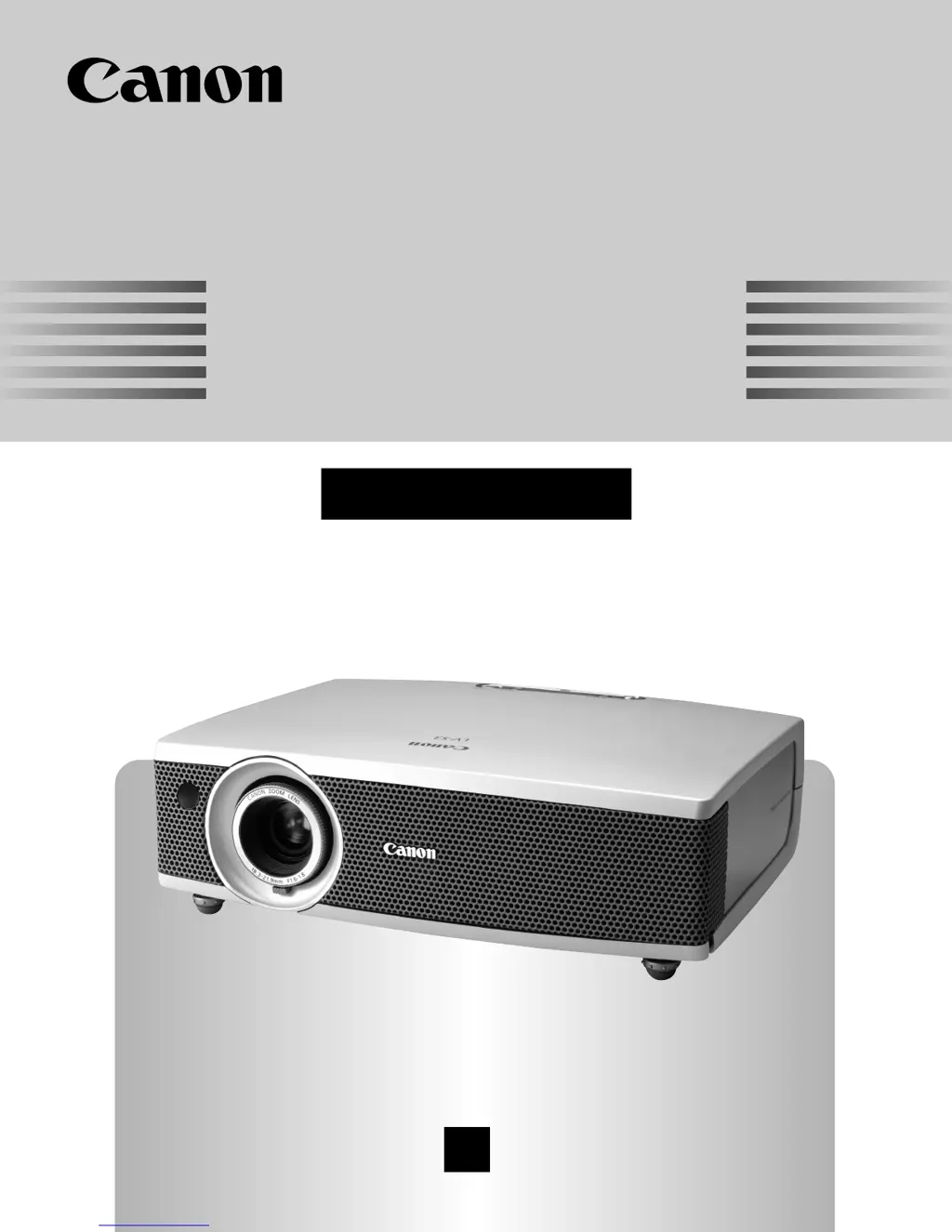
Multimedia Projector
Owner’s Manual
LV-S3

Table of Contents

Other manuals for Canon LV-S3

Questions and Answers

Summary

To the Owner

Safety Precaution

Essential safety measures for operating the projector to prevent hazards.

Safety Instructions

Electrical and Usage Precautions

Precautions regarding electrical connections, power sources, and overload.

Installation and Environmental Safety

Guidelines for safe placement, ventilation, and avoiding hazardous conditions.

Air Circulation and Moving Safety

Importance of ventilation, safe positioning, and handling during movement.

Compliance and Regulations

Regulatory Notices

Compliance statements from FCC, Canadian authorities, and regional information.

AC Power Cord Specifications

Details on the AC power cord requirements and safety.

Features and Design

Projector Capabilities and Features

Overview of mobility, compatibility, image quality, and special features.

Projector Overview

Front, Rear, and Bottom Panel Identification

Identification of components and terminals on the front, rear, and bottom panels.

Top Panel Controls and Indicators

Explanation of buttons, lights, and indicators on the projector's top panel.

Projector Terminals and Remote Control

Details on all input/output terminals and remote control functions.

Preparation for Use

Power Connection and Projector Setup

Instructions for connecting the power cord and positioning the projector.

Remote Control and Lens Cover

Steps for installing remote batteries and attaching the lens cover.

Installation and Connectivity

Connecting to Computers and Video Equipment

Step-by-step guides for connecting computers and various video sources.

Before Operation

Navigating the On-Screen Menu

Guide to operating the projector's on-screen menu system and understanding the menu bar.

Basic Operation

Powering On;Off and Screen Adjustment

Procedures for powering the projector, adjusting zoom, focus, and keystone.

Additional Basic Functions

Using No Show, P-Timer, and sound adjustment features.

Computer Input Settings

Input Source and System Selection

Selecting computer input sources and configuring system types.

PC and Image Adjustment

Performing auto and manual PC adjustments for optimal image display.

Screen Size and Image Level Settings

Adjusting screen size and selecting preset image levels for computer input.

Video Input Settings

Input Source and System Selection

Selecting video input sources and configuring video system formats.

Image Level and Screen Size Adjustment

Adjusting image levels and screen sizes for video input.

Projector Settings

Basic Settings and Display Options

Configuring language, keystone, blue back, display, logo, and capture functions.

Advanced Settings and Management

Managing ceiling/rear projection, power, and lamp modes.

Control and Default Settings

Managing remote control codes, USB, key lock, and factory defaults.

Presentation Remote Control

Functions and Installation

Explains the functions of the presentation remote as a mouse and its receiver installation.

Maintenance and Care

Lamp Replacement and Counter Reset

Procedures for replacing the projection lamp and resetting the lamp counter.

Indicator Lights and Air Filter Cleaning

Understanding warning indicators and cleaning the air filters.

Lens Cleaning and Safety

How to safely clean the projection lens and general safety precautions.

Appendix: Troubleshooting and Status

Problem Solving and Indicator Meanings

Solutions for common problems and interpretation of projector status indicators.

Remote Control Issues and Safety Warnings

Troubleshooting remote control problems and high voltage safety warnings.

Appendix: Menu Navigation

Menu Tree Overview

Visual representation of the projector's menu structure for input and settings.

Appendix: Technical Specifications

Supported Computer Resolutions and Frequencies

Table detailing supported computer resolutions and frequencies.

Projector Technical Data

Comprehensive list of the projector's technical specifications and dimensions.

Accessories Information

Lists the accessories provided with the projector and optional items.

Appendix: Connectivity and Options

Terminal Pin Configurations

Pin configuration diagrams for various projector terminals like VGA, Mini DIN, USB.

Optional Parts Ordering

Information on how to order optional parts like cables and adapters.

Summary

To the Owner

Safety Precaution

Essential safety measures for operating the projector to prevent hazards.

Safety Instructions

Electrical and Usage Precautions

Precautions regarding electrical connections, power sources, and overload.

Installation and Environmental Safety

Guidelines for safe placement, ventilation, and avoiding hazardous conditions.

Air Circulation and Moving Safety

Importance of ventilation, safe positioning, and handling during movement.

Compliance and Regulations

Regulatory Notices

Compliance statements from FCC, Canadian authorities, and regional information.

AC Power Cord Specifications

Details on the AC power cord requirements and safety.

Features and Design

Projector Capabilities and Features

Overview of mobility, compatibility, image quality, and special features.

Projector Overview

Front, Rear, and Bottom Panel Identification

Identification of components and terminals on the front, rear, and bottom panels.

Top Panel Controls and Indicators

Explanation of buttons, lights, and indicators on the projector's top panel.

Projector Terminals and Remote Control

Details on all input/output terminals and remote control functions.

Preparation for Use

Power Connection and Projector Setup

Instructions for connecting the power cord and positioning the projector.

Remote Control and Lens Cover

Steps for installing remote batteries and attaching the lens cover.

Installation and Connectivity

Connecting to Computers and Video Equipment

Step-by-step guides for connecting computers and various video sources.

Before Operation

Navigating the On-Screen Menu

Guide to operating the projector's on-screen menu system and understanding the menu bar.

Basic Operation

Powering On;Off and Screen Adjustment

Procedures for powering the projector, adjusting zoom, focus, and keystone.

Additional Basic Functions

Using No Show, P-Timer, and sound adjustment features.

Computer Input Settings

Input Source and System Selection

Selecting computer input sources and configuring system types.

PC and Image Adjustment

Performing auto and manual PC adjustments for optimal image display.

Screen Size and Image Level Settings

Adjusting screen size and selecting preset image levels for computer input.

Video Input Settings

Input Source and System Selection

Selecting video input sources and configuring video system formats.

Image Level and Screen Size Adjustment

Adjusting image levels and screen sizes for video input.

Projector Settings

Basic Settings and Display Options

Configuring language, keystone, blue back, display, logo, and capture functions.

Advanced Settings and Management

Managing ceiling/rear projection, power, and lamp modes.

Control and Default Settings

Managing remote control codes, USB, key lock, and factory defaults.

Presentation Remote Control

Functions and Installation

Explains the functions of the presentation remote as a mouse and its receiver installation.

Maintenance and Care

Lamp Replacement and Counter Reset

Procedures for replacing the projection lamp and resetting the lamp counter.

Indicator Lights and Air Filter Cleaning

Understanding warning indicators and cleaning the air filters.

Lens Cleaning and Safety

How to safely clean the projection lens and general safety precautions.

Appendix: Troubleshooting and Status

Problem Solving and Indicator Meanings

Solutions for common problems and interpretation of projector status indicators.

Remote Control Issues and Safety Warnings

Troubleshooting remote control problems and high voltage safety warnings.

Appendix: Menu Navigation

Menu Tree Overview

Visual representation of the projector's menu structure for input and settings.

Appendix: Technical Specifications

Supported Computer Resolutions and Frequencies

Table detailing supported computer resolutions and frequencies.

Projector Technical Data

Comprehensive list of the projector's technical specifications and dimensions.

Accessories Information

Lists the accessories provided with the projector and optional items.

Appendix: Connectivity and Options

Terminal Pin Configurations

Pin configuration diagrams for various projector terminals like VGA, Mini DIN, USB.

Optional Parts Ordering

Information on how to order optional parts like cables and adapters.

Canon LV-S3 Specifications

General IconGeneral
Contrast Ratio400:1
Aspect Ratio4:3
Display TypeLCD
Zoom Ratio1.2x
Display TechnologyLCD
Native ResolutionSVGA (800 x 600)
Projection Size30 to 300 inches
ResolutionSVGA (800 x 600)
Lamp Life2000 hours
Input PortsVGA, S-Video, Composite Video
Output PortsVGA (D-sub 15pin)

Related product manuals