EasyManua.ls Logo

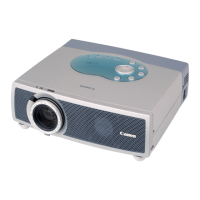
Canon LV-S1U - User Manual

Canon LV-S1U
73 pages
Print Icon
To Next Page IconTo Next Page
Loading...
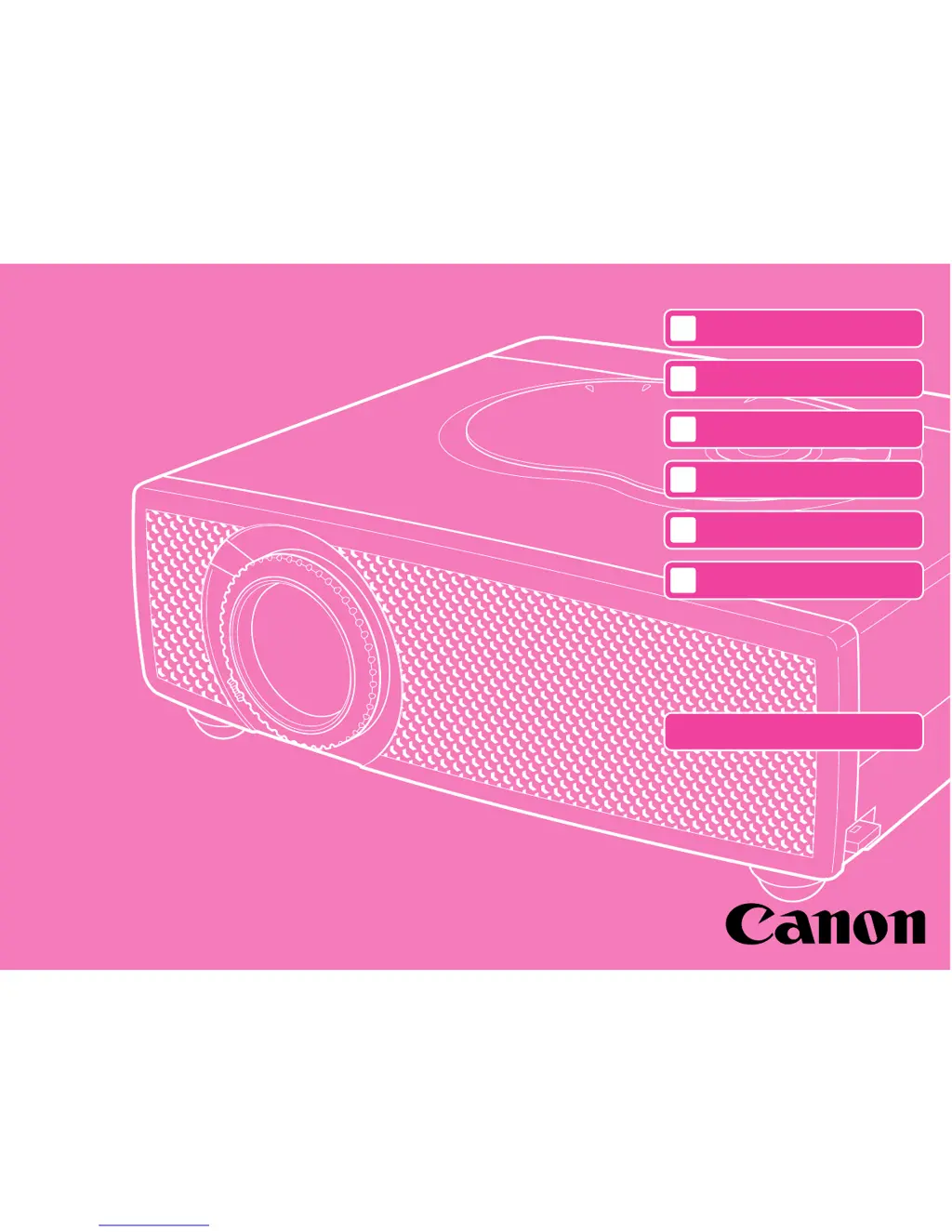
SERVICE MANUAL
English Edition
LV-S1U/D78-5252
LV-S1E/D78-5253
By Portable Document Format
1
General
0
PREFACE
2
Repair
3
Adjustment
4
Parts Catalog
5
Electrical Diagrams
Return to Menu
DY8-1785-241 500

Table of Contents

Questions and Answers

  • C
    Colin HughesAug 9, 2025
    What to do if Canon LV-S1U does not light?
    • S
      Sherri StaffordAug 9, 2025
      If your Canon Projector doesn't light, first ensure the power cord is properly connected and the Lamp Replacement cover is closed. If that doesn't work, open the projector's top cabinet and check if the Thermal Switch is open. If it is, reset (press) the Thermal Switch. Also, check if the Fuse in the power unit is open. If the Thermal Switch is activated due to increasing temperature inside the projector, investigate the cause of the temperature increase, such as a clogged air filter or a malfunctioning fan.
  • B
    Bobby CarlsonAug 25, 2025
    Why does my Canon LV-S1U start and then turn off after a few seconds?
    • S
      Samantha ThompsonAug 26, 2025
      If your Canon Projector starts running but turns off after 2-3 seconds, check the fan connections and the fan itself. Also, verify if the +B power supply circuit is shorted (ground). As a troubleshooting step, disconnect the AC power cord from the AC outlet and then try turning the projector on again.

Canon LV-S1U Specifications

General IconGeneral
Brightness1000 ANSI lumens
Resolution800 x 600 (SVGA)
Contrast Ratio300:1
Lamp Life2000 hours
Zoom1.2x
Display TechnologyLCD
Lamp Type150W UHP
Input PortsVGA, Composite Video, S-Video
Projection Size30 - 300 inches
Output PortsVGA (D-sub 15-pin)
Projection Distance1.0 - 10.0 m

Related product manuals