EasyManua.ls Logo

Canon LV-S1 - User Manual

Canon LV-S1
44 pages
Print Icon
To Next Page IconTo Next Page
Loading...
E
English
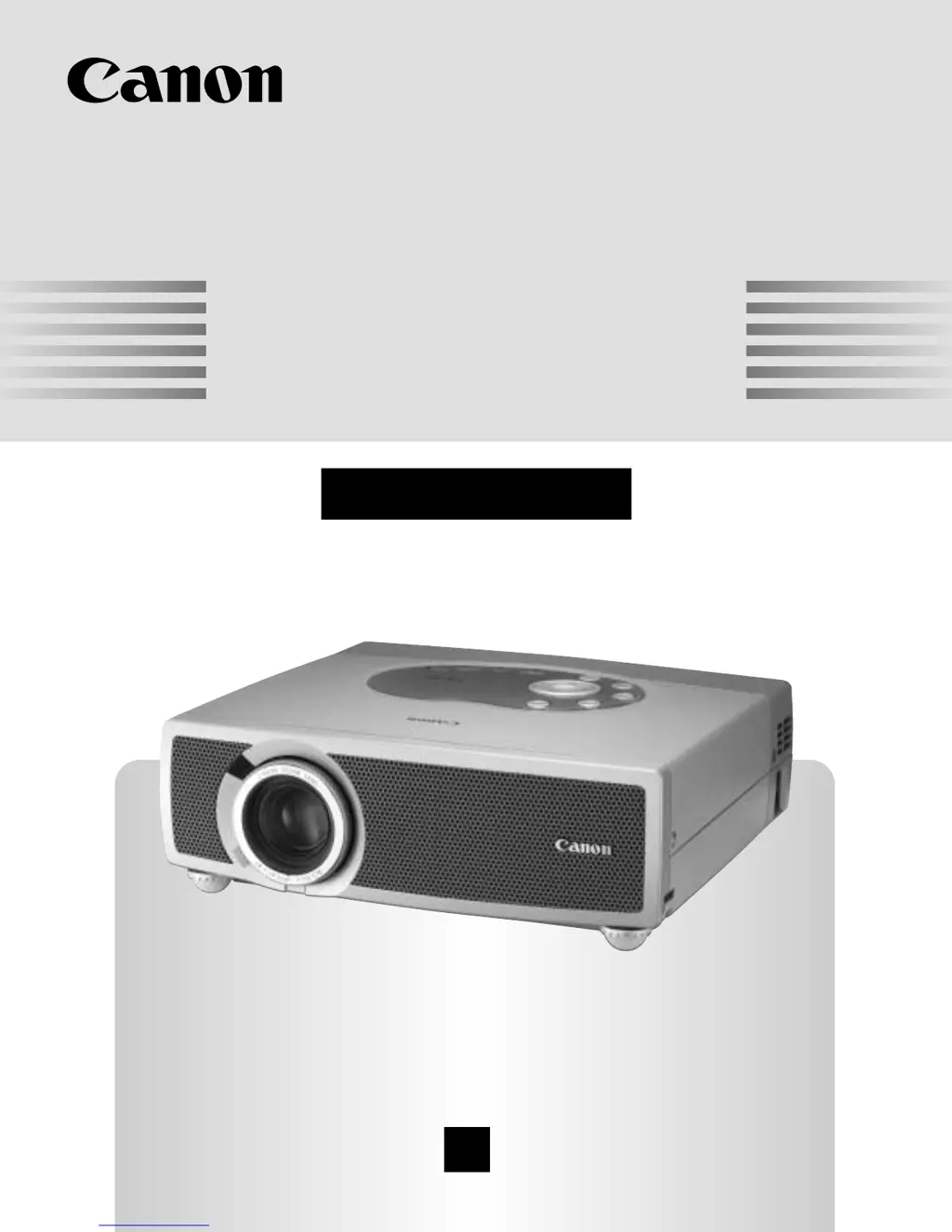
Multimedia Projector
Owner’s Manual
LV-S1

Table of Contents

Other manuals for Canon LV-S1

Questions and Answers

  • L
    Leah MartinezAug 12, 2025
    Why is there no image on my Canon LV-S1 Projector?
    • J
      John JohnsonAug 12, 2025
      If your Canon Projector displays no image, verify the connection between your computer or video equipment and the projector. Also, check the NO SHOW function. Note that it may take about 30 seconds to display an image when turning the projector on. Ensure that the selected system corresponds with your computer or video equipment and that the operating temperature is within the range of 5°C to 35°C.
  • S
    Seth MichaelAug 16, 2025
    What to do if my Canon Projector has no power?
    • R
      rebecca40Aug 16, 2025
      First, ensure the Canon Projector is plugged into an AC outlet and the READY Indicator lights. Allow 90 seconds before turning the projector back on after it has been turned off. Also, check the WARNING TEMP indicator; if it flashes red, the projector cannot be turned on. Finally, inspect the Projection Lamp.
  • R
    Ryan BenjaminAug 19, 2025
    How to fix a blurry image on a Canon Projector?
    • C
      christinamedinaAug 19, 2025
      To fix a blurry image on your Canon Projector, adjust the focus. Ensure the projection screen is at least 5.3’ (1.6m) away from the projector. Also, check the Projection Lens and clean it if necessary. If the projector has been moved from a cool to a warm location, condensation may have formed on the lens; leave the projector OFF until the condensation disappears.
  • D
    Donna FoxAug 23, 2025
    What to do if my Canon LV-S1 Projector has no sound?
    • M
      Maria HamiltonAug 23, 2025
      If your Canon Projector has no sound, check the audio cable connection from the audio input source. Adjust the audio source, and try pressing the VOLUME (+) button or the MUTE button.
  • T
    timothyarmstrongAug 27, 2025
    What to do if Canon Projector remote control is not working?
    • R
      robertsonmatthewAug 27, 2025
      If the remote control for your Canon Projector isn't working, start by checking the battery. Ensure there are no obstructions between the Infrared Remote Receiver and the Remote Control Unit. Verify that you are within the maximum operating distance of 16.4’ (5m) between the receiver on the projector and the Remote Control Unit. Lastly, confirm that the code of the Remote Control is set to match the projector.
  • P
    Paul GonzalezAug 31, 2025
    Why are some displays not seen during the operation of my Canon LV-S1 Projector?
    • J
      Jason MartinezAug 31, 2025
      If some displays are not visible during the operation of your Canon Projector, check the Display feature settings.
  • M
    Matthew AllenSep 3, 2025
    How to correct a left/right reversed picture on a Canon LV-S1 Projector?
    • D
      Dale MorrisonSep 3, 2025
      To correct a picture that is Left/Right reversed on your Canon Projector, check the Ceiling / Rear feature settings.
  • M
    Michelle WagnerSep 7, 2025
    How to fix a top/bottom reversed picture on a Canon LV-S1 Projector?
    • F
      fperezSep 7, 2025
      To correct a picture that is Top/Bottom reversed on your Canon Projector, check the Ceiling feature settings.

Canon LV-S1 Specifications

General IconGeneral
Brightness1000 ANSI lumens
Resolution800 x 600 (SVGA)
Contrast Ratio400:1
Lamp Life2000 hours (Normal Mode), 3000 hours (Economy Mode)
Projection Size30 to 300 inches
Weight2.5 kg
Input PortsS-Video, Composite Video
Power Consumption220W
Operating Temperature5 to 35 °C
Storage Temperature-20 to 60 °C
Display TypeLCD

Related product manuals