15
En
3
Exit the Fax Setup Guide, and then restart the
machine.
Do you want to end Fax Setup
Guide?
Yes No
Turn OFF the machine and wait for at least 10 seconds
before turning it ON again. The telephone line types are
not detected automatically. See the User’s Guide and set a
telephone line manually.
User’s Guide “Setting Menu List” ▶ “Fax Settings” ▶ “Basic
Settings” ▶ “Select Line Type”
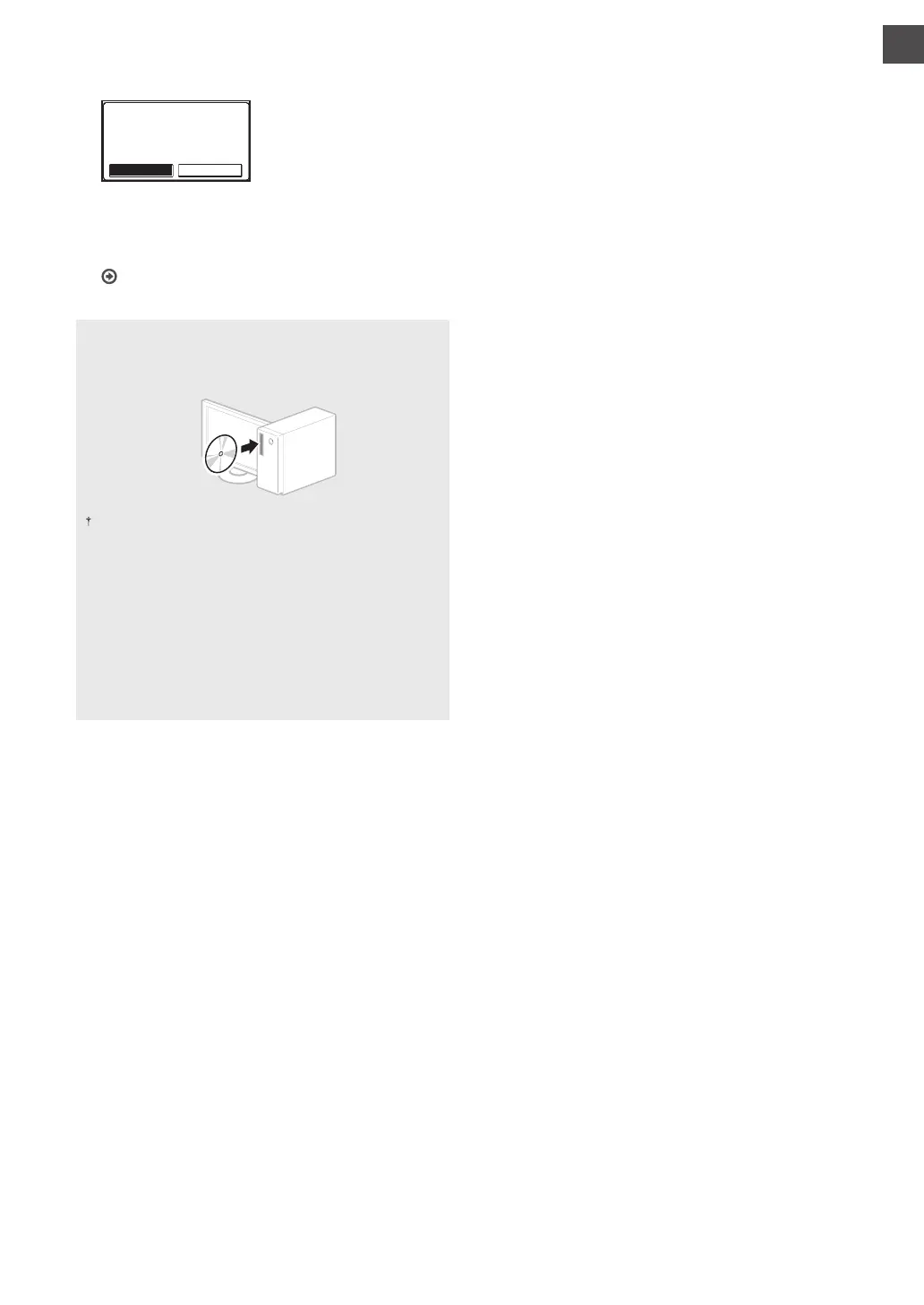
For details on the installation procedures:
Install the driver and software using the provided DVD-
ROM.
You can also download the driver from the Canon website.
For details on the installation procedures, see the MF Driver
Installation Guide.
For Mac OS users:
The DVD-ROM supplied with this machine may not include
the printer driver for Mac OS. This is di erent depending
on when you purchase the machine. Please nd and
download the appropriate driver on our Canon homepage.
For further information on installation or using the driver,
see the manual for the driver.









 To Next Page