4
E
Introduction
In addition to the contents and index
please refer to:
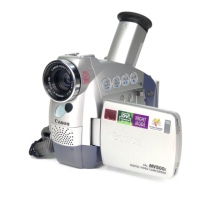
• Finding Your Way Around
the MV500/MV500i ( 7)
• Screen displays ( 111)
• Troubleshooting — in case you run
into any problems ( 105)
• Menu at a Glance ( 120)
Symbols used in this instruction
manual:
: Reference page numbers
: Functions that can be operated
from the body of the camcorder
: Functions that can be operated
from the wireless controller
: Supplementary notes for
camcorder operation
` : Operation confirmation beeps
( 21)
• Capital letters are used to refer to
settings displayed in the menus and
buttons labelled on the camcorder
itself, e.g. Press the MENU button.
For quick reference
#1_ MV500/MV500i__E(02-06) 2/6/02 14:15 Page 4


 To Next Page