4-2
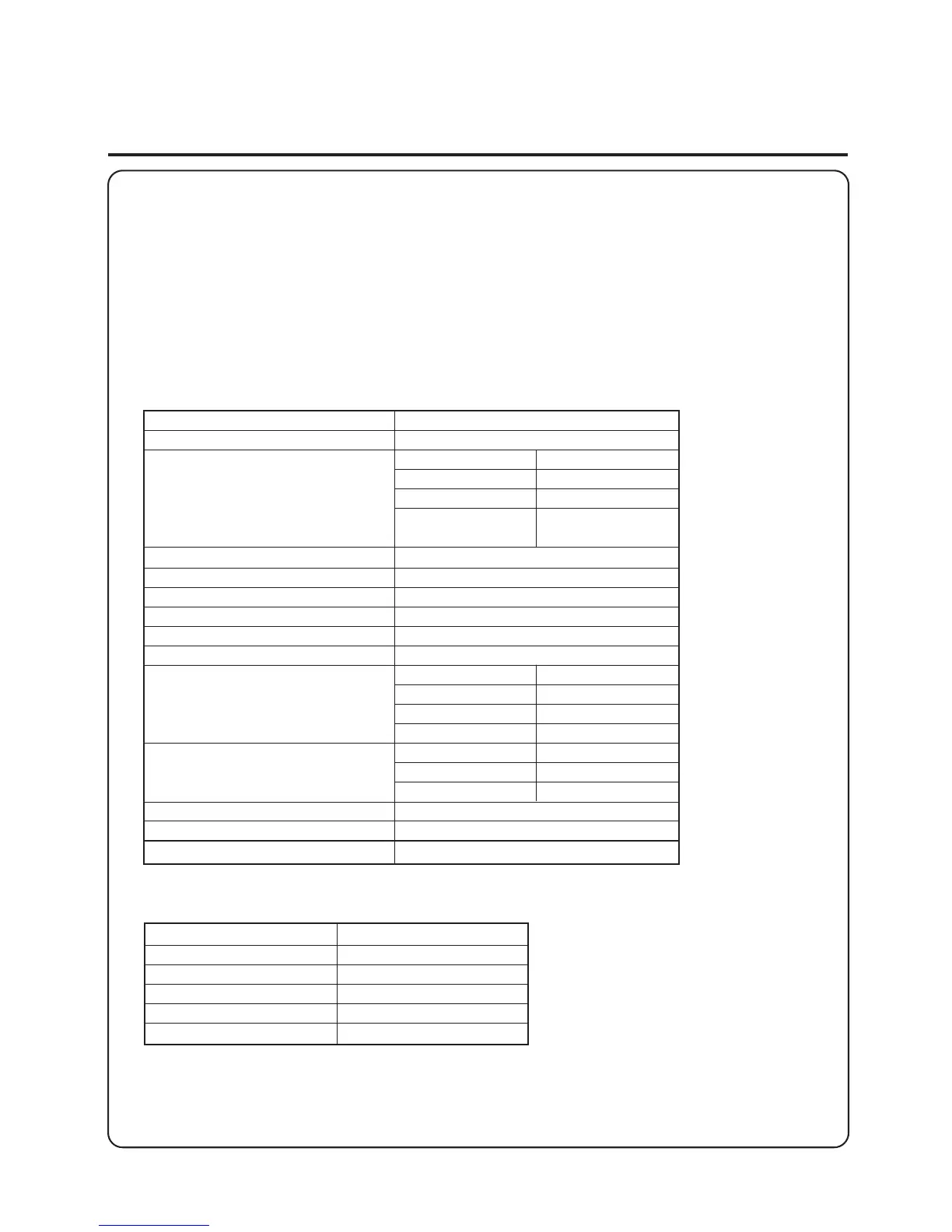
Function Default Setting
Auto Sort ON
Sort ON
Group ON
Staple-sort ON
Double Stapling/
Stack Delivery
High Speed 1 → 2-sided ON
SADF Auto Feed ON
Drawer Eligibility for APS/ADS ON
Stack Bypass Size Setting OFF
Inch Entry ON
Job Duration Display OFF
Entry tone ON
Error tones ON
Ready tone ON
Job Done tone ON
Copy Ratio 93%
Center Shift ON
Lose Bit of Image OFF
Energy Saver Adjustment –10%
Change Standard Copy Settings —
Initialize Custom Settings —
Additional Functions
(Select or Adjust Various Functions to Meet Your Specific Copying Needs)
You can change or adjust the factory settings for various functions to meet your specific
copying needs. You can also perform cleaning and make adjustments to the copier.
You can change or adjust the settings for the following items:
■ Standard Key Settings
The Standard Key Settings feature enables you to select a mode from either the Two-
sided, Sorter or Special Features modes and have the keys for these modes displayed in
the Basic Features screen.
■ Custom Settings
Front Access Sorter Unloading
ON
Fit Image Adjustment
Audible Tones
■ Timer Settings
Function Default Setting
Auto Clear Time 2 min.
Low-Power Mode Time 15 min.
Auto Power-off Time 1 hr.
Daily Timer Settings —
Day/Time Settings —
■ Adjustment/Cleaning
• Zoom Fine Adjustment
• Feeder Cleaning
• Wire Cleaning



 To Next Page
 Loading...