CHAPTER 1 MAINTENANCE AND INSPECTION
1-4
2. Handling the Cartridge
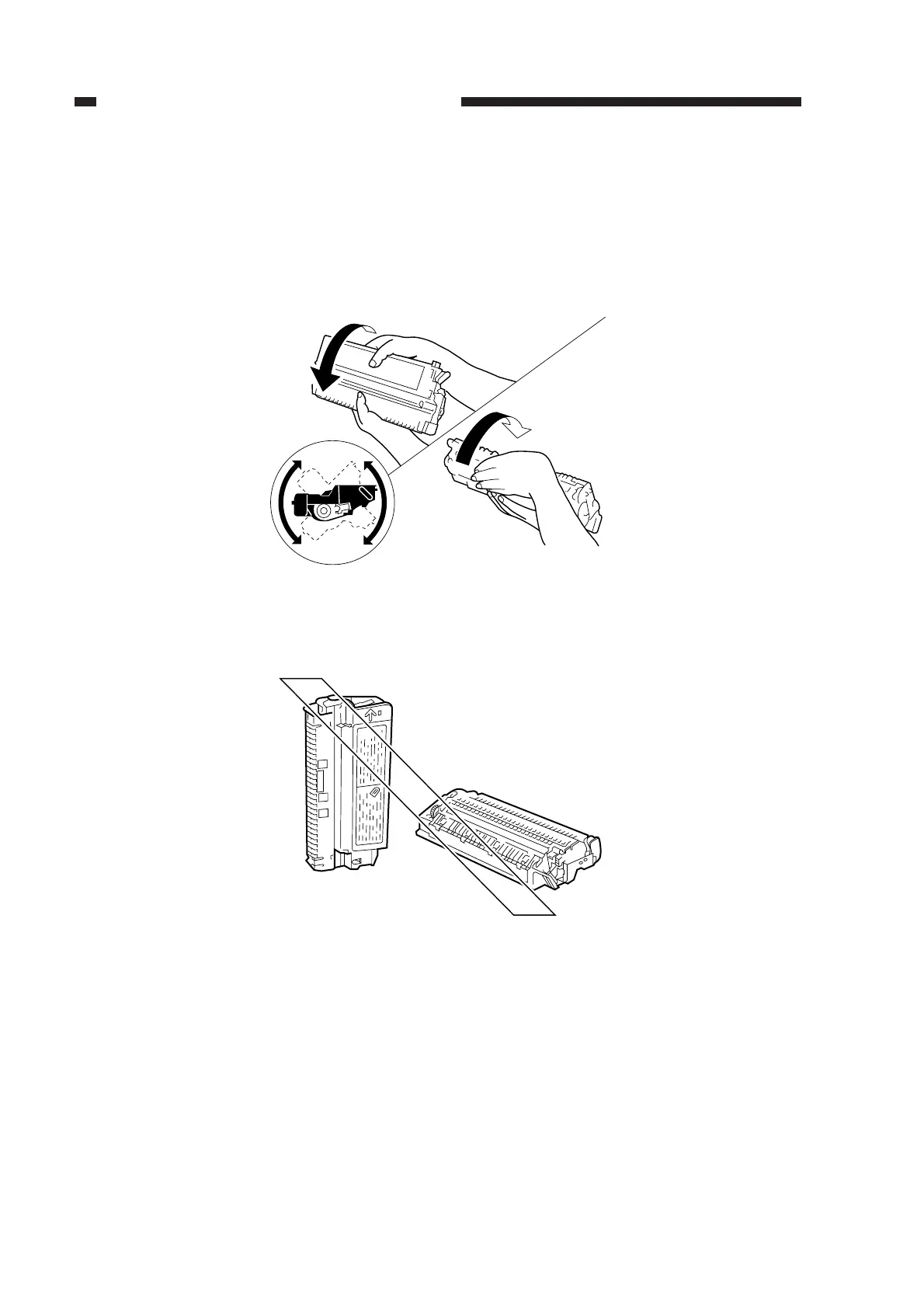
a. Before setting the cartridge in the machine or if copies have white spots as when it starts to run
out of toner, hold the cartridge level and shake it about 90° several times as shown in Figure 1-
1 to even out the toner inside.
If you shake it in a different way, the toner can spill out of the developing assembly or the
cleaning assembly.
Figure 1-1
b. Do not place the cartridge on its end or turn it over as shown in Figure 1-2.
Figure 1-2



 To Next Page