CHAPTER 2 STANDARDS AND ADJUSTMENTS
2-8
e-2. Routing the Scanner Drive Cable
1. Before Starting the Work
Prepare the following:
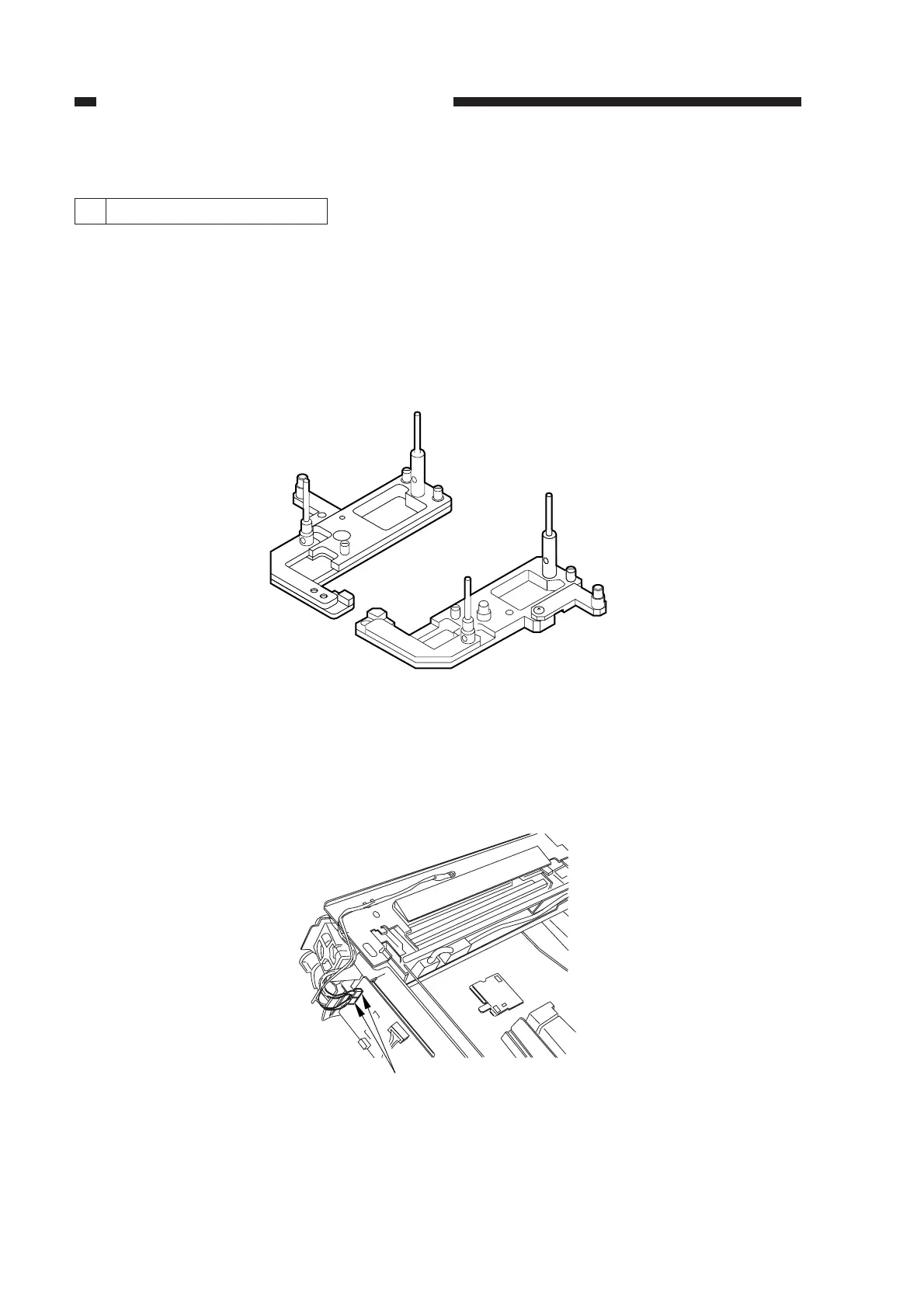
• Mirror positioning tool (FY9-3009)
• Cable clip (FY9-3017)
• Adhesive tape
1) Set the mirror positioning tool as shown.
Figure 2-13
2) Prepare about five strips of adhesive tape (each one about 20 × 50 mm).
3) Remove the copyboard glass.
4) Disconnect the connectors (J101, J131) [1] from the DC controller PCB.
Figure 2-14
[1]



 To Next Page