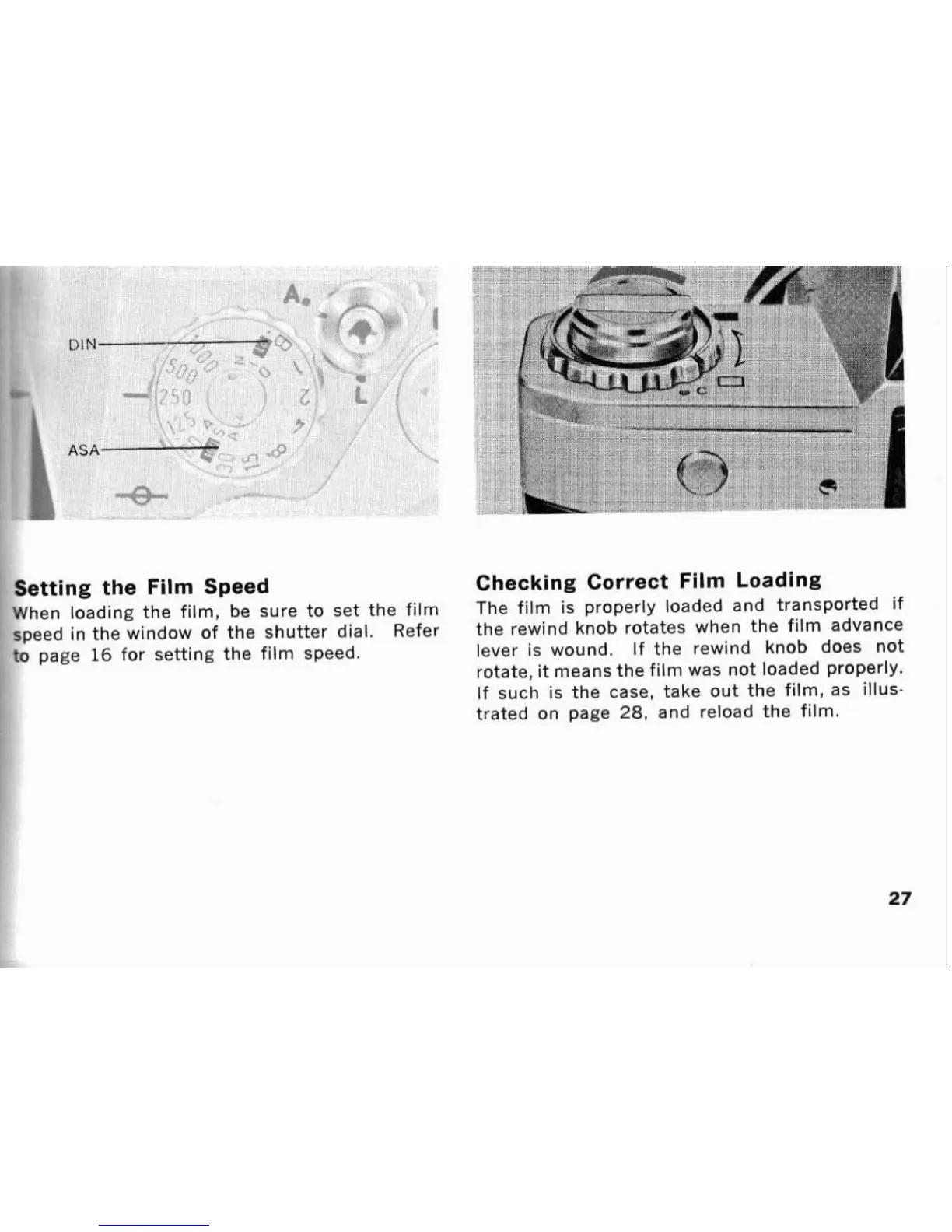
Setting the Fllm Speed
Checking Correct
Fllm Loading
When loading the film,
be
sure to set the film
The
film is properly loaded and transported if
speed in the window of the shutter
dial.
Refer
the rewind knob rotates when the film advance
to page
16
for setting the film speed.
lever is wound. If the rewind knob does not
rotate,
it
means the film was not loaded properly.
If such is the case, take out the film, as illus-
trated on page
28.
and reload the film.









 To Next Page