5. 按 OK 按鈕。
Press the OK button.
6. 輸入密碼。 文字輸入區分大小寫。
關於如何輸入字元和如何變更字元類型,請參見「文字輸入」
Enter the password. Text entry is case-sensitive.
For how to enter characters and how to change the character type, see "Text Entry"
7. 輸入後,按 OK 按鈕。
After entry, press the OK button.
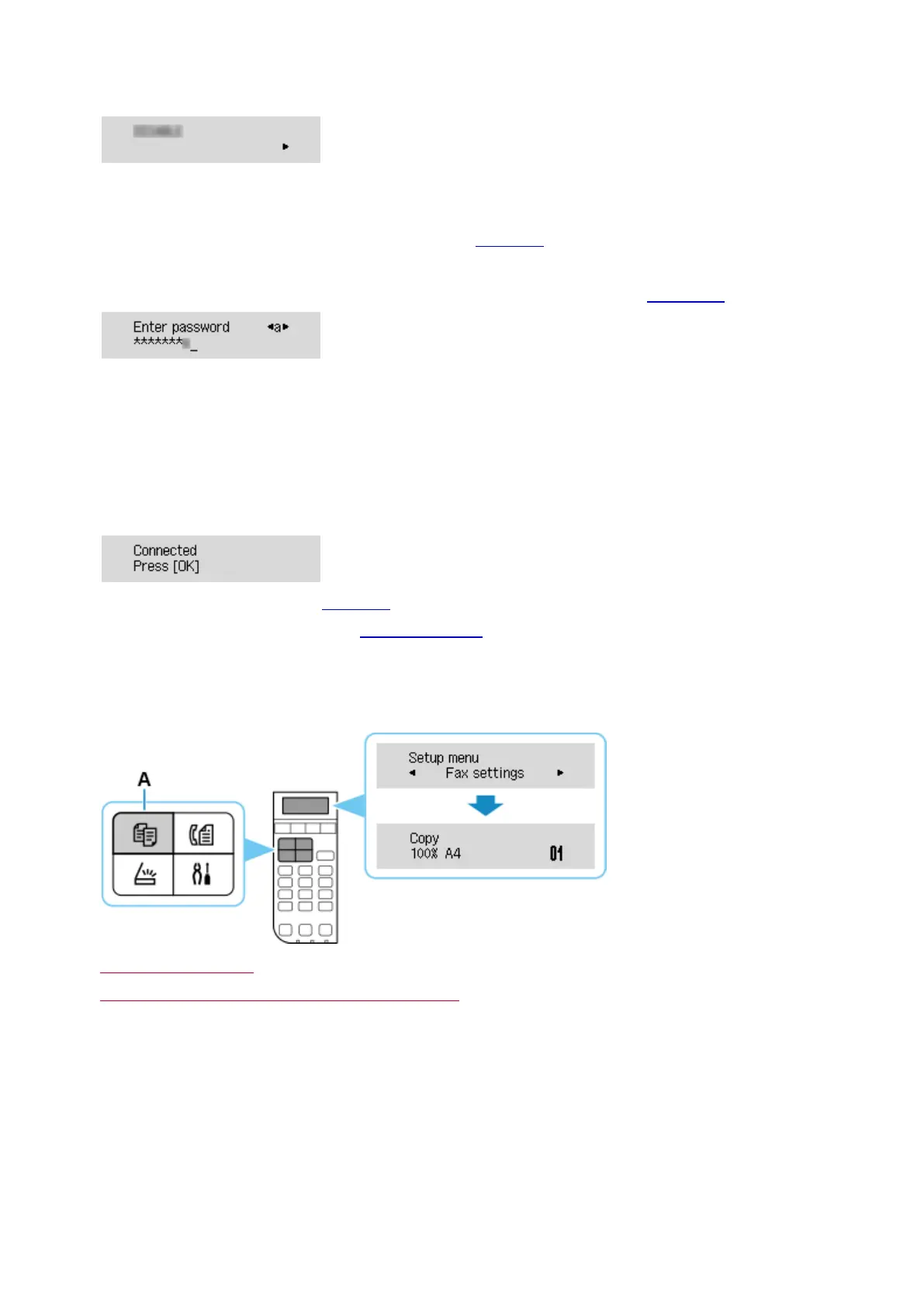
8. 顯示下方的螢幕時,請按 OK 按鈕。
When the screen on the below appears, press the OK button
如果顯示其他螢幕,請參見「疑難排解」。
If a different screen appears, see "Troubleshooting."
9. 按影印(COPY)按鈕(A)。
Press the COPY button (A).
網路連接設定完成。
The network connection setup is now complete.















 To Next Page