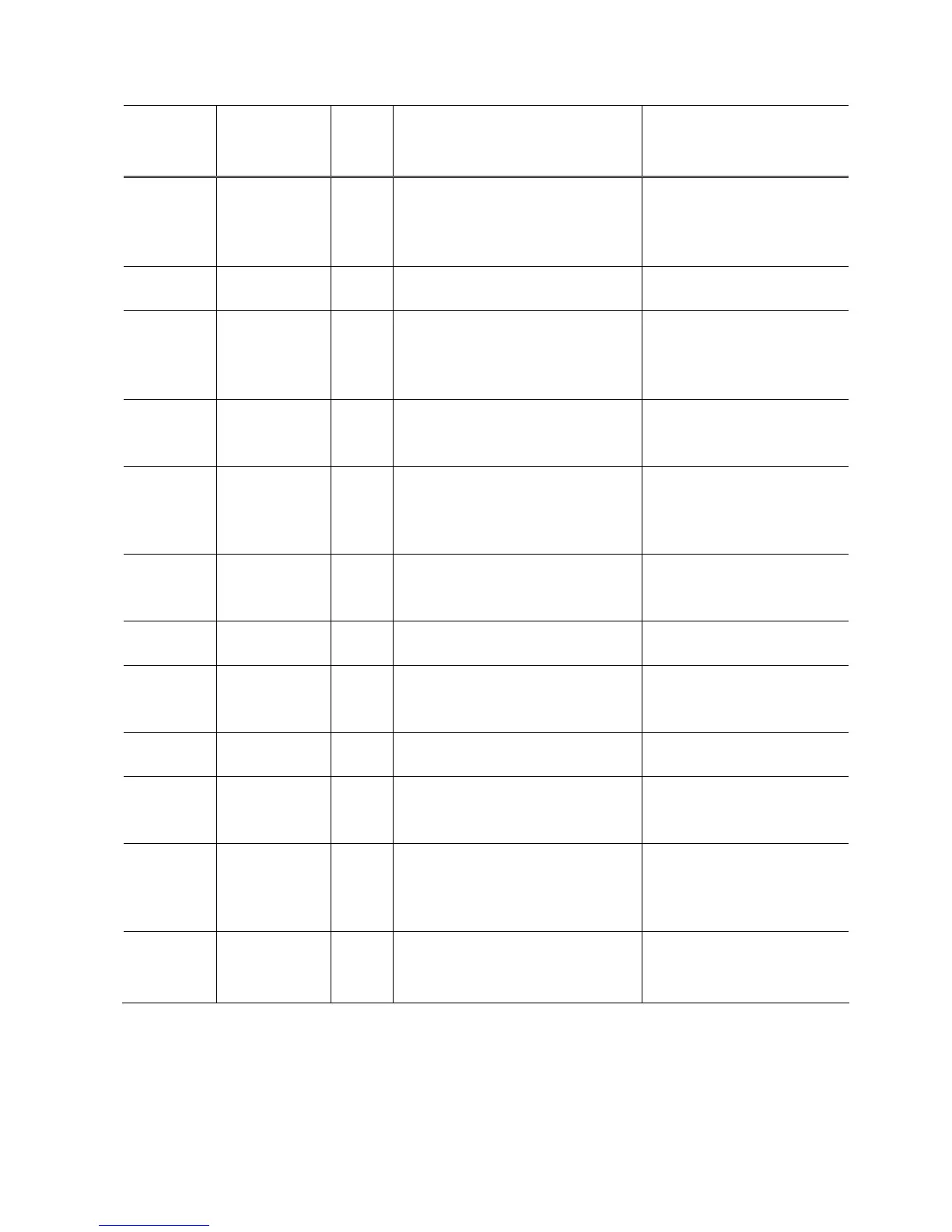
1-2. Service Call Error (Cyclic Blinking in Orange (Alarm LED) and Green (ON/OFF LED))
Cycles of
blinking in
orange and
green
Error
Error
Code
Conditions
Corrective action
(Replacement of listed parts,
which are likely to be faulty)
2 times Carriage error [5100] An error occurred in the carriage
encoder signal.
- Carriage unit
- Timing slit film
- Logic board
- Carriage motor
3 times Line feed error [6000] An error occurred in the LF encoder
signal.
- Timing slit disk film
- Logic board
5 times ASF (cam)
sensor error
[5700] This error takes place when feeding
paper from the rear tray after an
error occurred in the rear tray cam
sensor.
- ASF_PE sensor board
- Drive unit
- Logic board
6 times
Internal
temperature
error
[5400] The internal temperature is not
normal.
- Logic board
7 times - Main ink
absorber full
- Platen ink
absorber full
[5B00,
5B01]
The main ink absorber or platen ink
absorber becomes full.
- Ink absorber kit
Replace the ink absorber and
clear the applicable ink
absorber counter.
8 times Print head
temperature
rise error
[5200] The print head temperature
exceeded the specified value.
- Ink cartridge
- Logic board
9 times EEPROM error [6800]
[6801]
A problem occurred in writing to the
EEPROM.
- Logic board
10 times VH monitor
error
[B200] The internal temperature exceeded
the specified value.
- Ink cartridge
- Carriage unit
- Logic board
12 times AP position
error
[6A00] An error occurred in the AP motor
during purging operation.
- Drive unit
- Logic board
15 times USB Host
VBUS
overcurrent
[9000] The USB Host VBUS is overloaded. - Logic board
22 times Scanner home
position error
[5010] The scanner unit cannot detect the
home position, or the scanner unit
warming-up is not performed
properly at power-on.
- Scanner unit
- Logic board
Power LED
turned off
Alarm LED
(orange) lit
ROM error
RAM error
None The check sum value is incorrect in
the flash ROM or RAM check at
hard-power-on.
- Logic board
(5/32)















 To Next Page