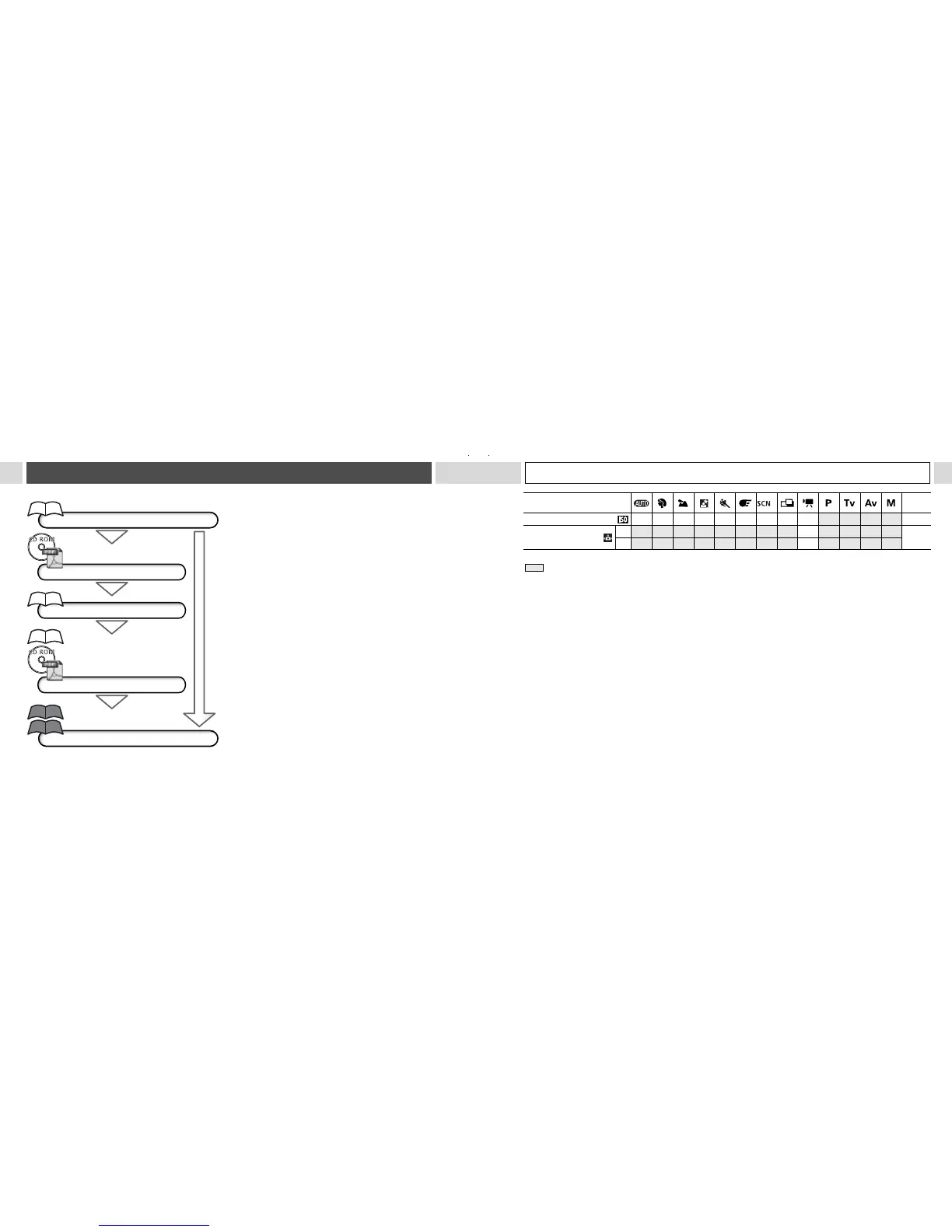
Flowchart and Reference Guides
* : Default settings
O
: Available U
UU
U: Available only for the first image – : Not available
: Setting remains in effect even when the camera is turned off.
The default for the settings changed by the menu and button operations can be restored all at once except
for [Date/Time], [Language] and [Video System] (pág. 73).
(1)The default setting of the flash for the [Foliage] and [Fireworks] options is [Off].
The following functions cannot be set in the [Fireworks] mode.
- The [Auto] and [On] setting of the flash
- Red-eye reduction function
- AF-assist beam
- AF System selection
- Macro mode
- AF lock
- Manual focus
(2)The photo effect [Sepia] and [B/W] cannot be selected.
(3)The white balance is set to [AUTO].
(4)Settings automatically set by the camera.
(5)ISO [AUTO] cannot be selected.
Function
(1)
Reference
Pages
ISO Speed –
(4)
–
(4)
–
(4)
–
(4)
–
(4)
–
(4)
–
(4)
–
(4)
–
(4)
O O O O
(5)
84
Auto Rotate
ON
O
*
O
*
O
*
O
*
O
*
O
*
O
* U
UU
U* –
O
*
O
*
O
*
O
*
89
OFF
O O O O O O O
U
UU
U –
O O O O
161
This Guide
Shooting with the Camera
Canon Digital Camera
Software Starter Guide Disk
Installing the Software
This Guide
This Guide
Connecting the Camera to a Computer
Canon Digital Camera
Software Starter Guide Disk
Direct Print User Guide
Printer User Guide
Using the Printer and Printing
Downloading Images to a Computer










 To Next Page