8
Safety Precautions
Safety Precautions
Please read the safety warnings and cautions provided in this manual to ensure that you
use the printer safely. Do not attempt to use the printer in any way not described in this
manual.
Warning
➤
You may cause an electric shock/fire or damage the printer if you ignore
any of these safety precautions.
■
Choosing a location
Do not place the printer close to flammable solvents such as alcohol or thinners.
■
Power supply
Never attempt to plug in or unplug the printer from the power supply when your hands
are wet.
Always push the plug all the way into the power outlet.
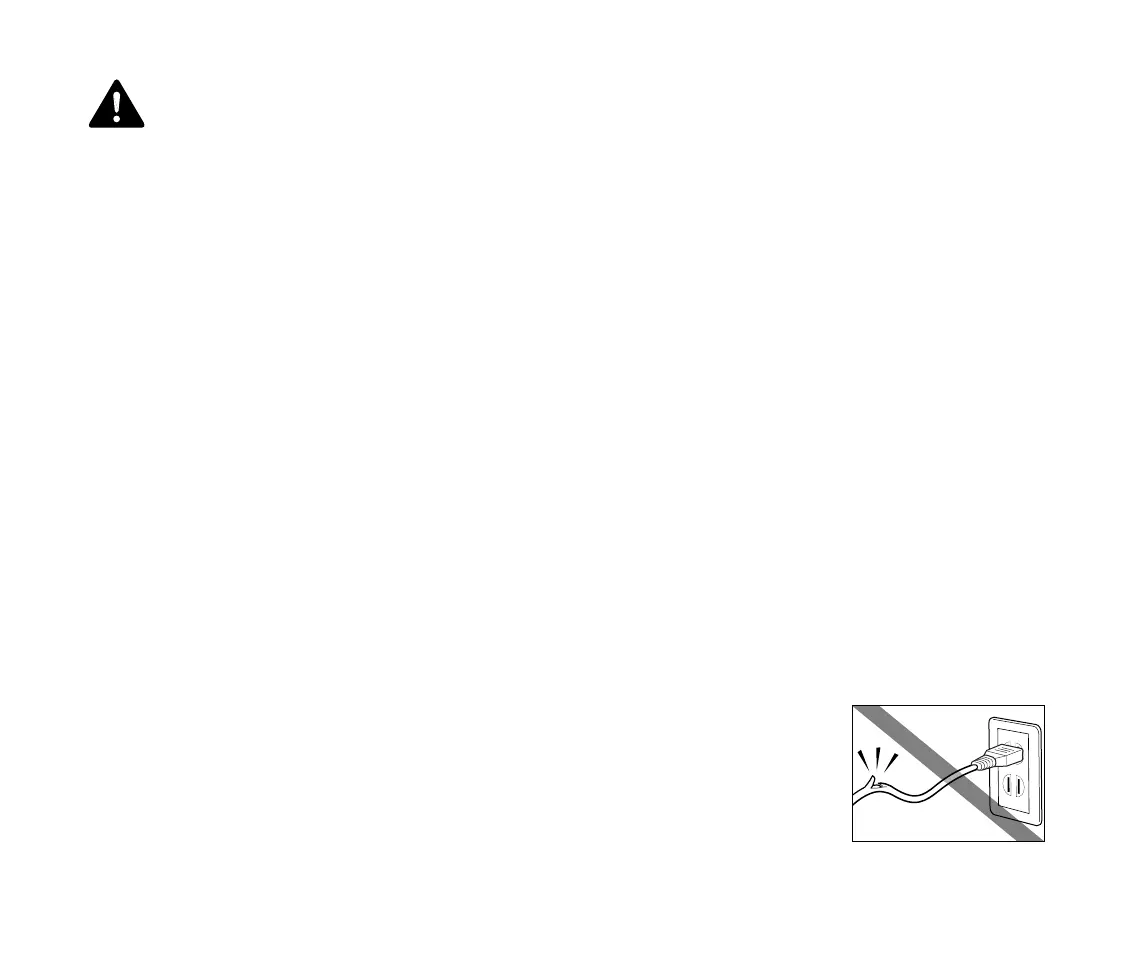
Never damage, modify, stretch or excessively bend or twist the
power cord. Do not place heavy objects on the power cord.


 To Next Page