Table of Contents
Preface 1
Shipping Materials 1
Introduction 1
Setting Up 2
Preparing the Printer 2
Connecting the Printer to the Computer 2
Installing the Print Head 4
Loading Paper 7
Installing the Printer Driver 8
Aligning the Print Head 12
Basic Operations 16
Printing with Windows 16
Printing with Macintosh 18
Print Head Maintenance 20
Notes on Handling the USB Interface (for Windows Users) 21
For Further Details... 22
Quick Start Guide
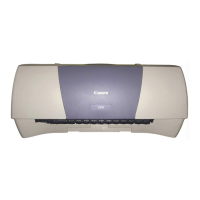
BUBBLE JET PRINTER
QA7-1592-V01
BE

 Need help?

 To Next Page
 General