Creative Print
52
Printing from Memory Cards
Movie Print
1 Select [Movie Print] in Creative Print.
• For selecting [Movie Print], refer to How to
Use the Menu (Creative Print) (p. 40).
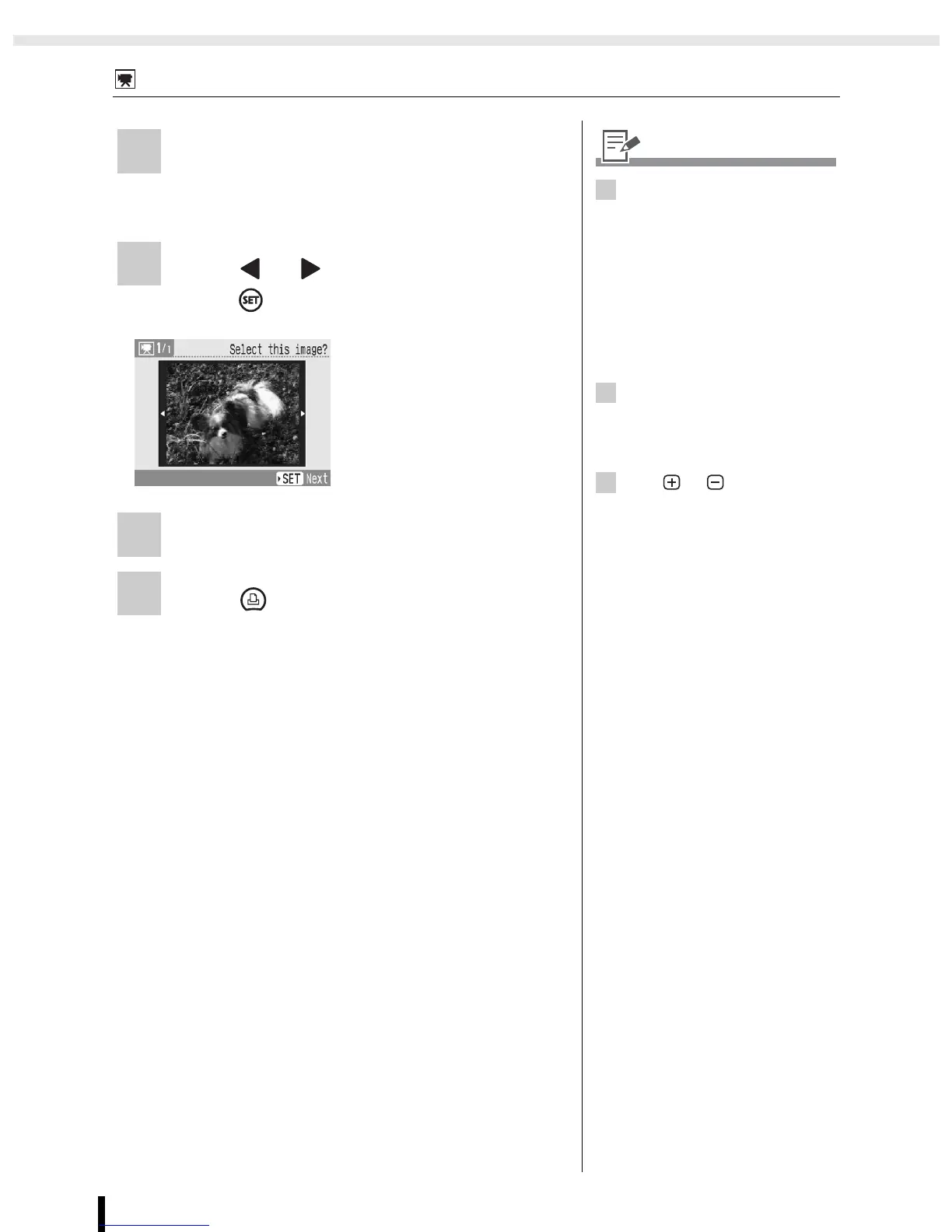
2 Press or to select the image and
press .
3 Check the settings on the screen.
4 Press .
• Printing starts.
• The print confirmation
screen is displayed.
1
• When there is no movie file on a
memory card, [Movie Print] is
not displayed.
• Only movies shot with Canon
digital cameras, such as the
PowerShot series, can be
printed (However, movies
supporting H.264 standard
cannot be printed).
• You cannot playback movies.
2
• The first frame of a movie is
displayed in the movie selection
screen.
• A movie cannot be enlarged.
3
• Use or for specifying
the number of copies.




 To Next Page