Introduction to the Supplied Programs
76
Printing from a Computer
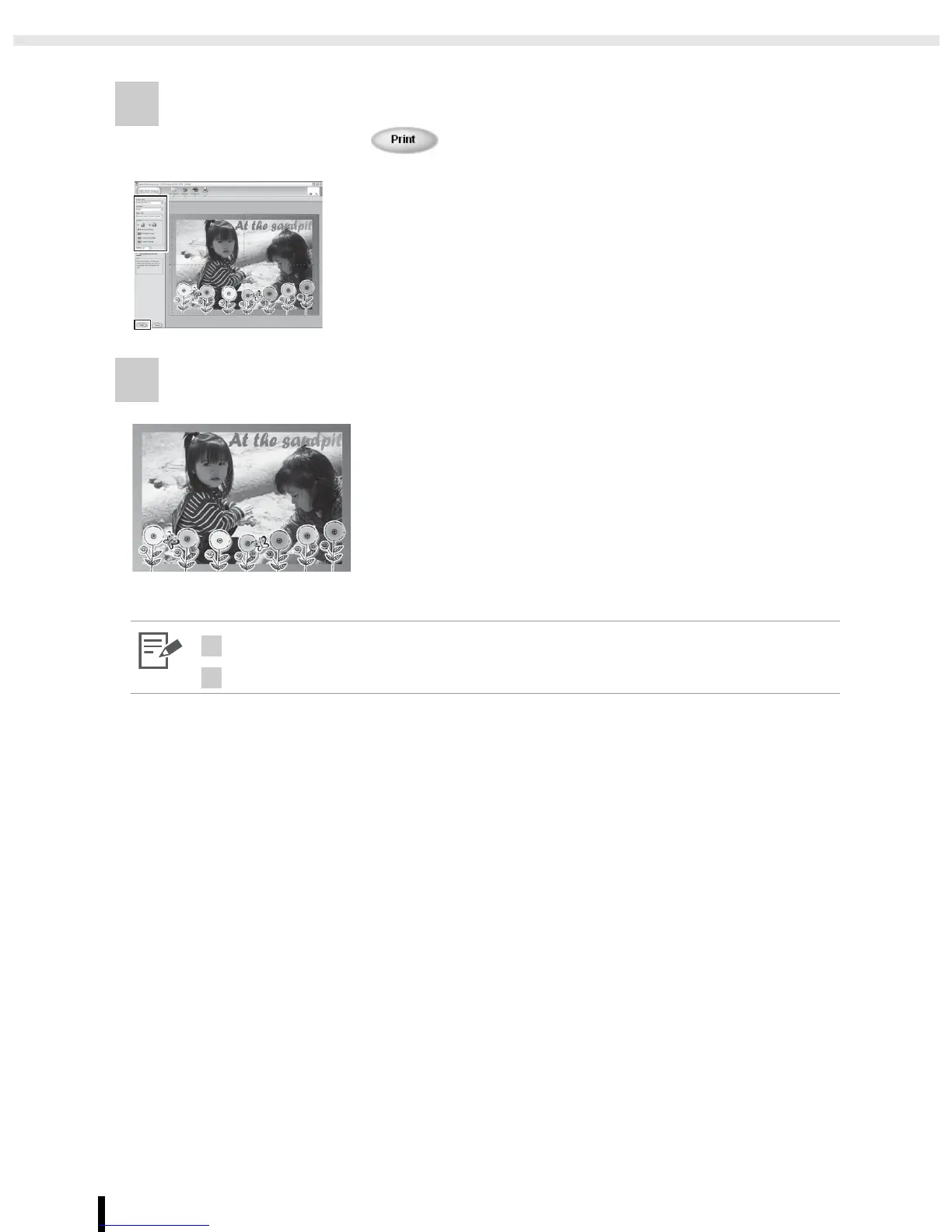
8 Determine [Printer name], [Cartridge], [Paper size], [Layout], and
[Copies], then click .
9 Printing completes.
3
• Frames can be assigned only when [Postcard size] or [L size] paper is selected.
8
• The image will not print correctly if you change the paper size setting.




 To Next Page