3.
Position the camera and flash unit.
Position them within the range shown in Positioning and Operation
Range.
4.
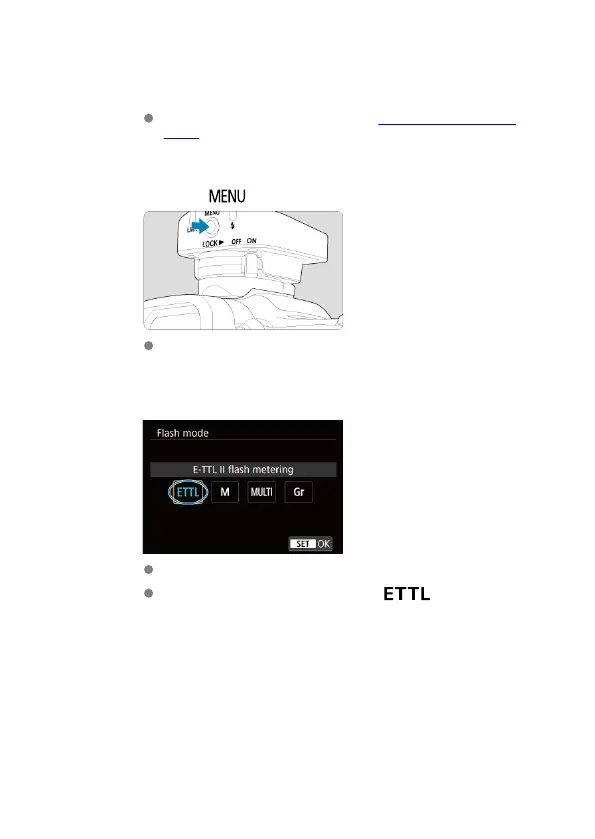
Press the < > button.
[Flash function settings] is displayed on the camera screen.
5.
Set the flash mode to [E-TTL II flash metering].
Select [E-TTL II flash metering] and then [OK].
The receiver unit is set automatically to < > during shooting,
controlled by the sender unit.
30













 To Next Page