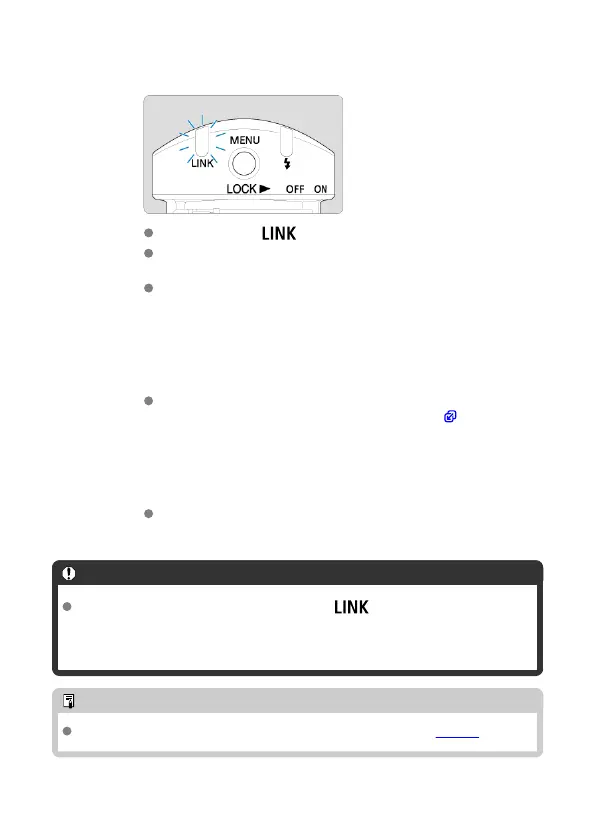
6.
Check the connection and make sure the flash unit is charged.
Confirm that the < > lamp is lit.
When the receiver flash is charged, the AF-assist beam emitter blinks
at approx. 1 sec. intervals.
The charge lamp on the sender is lit when all flash units are fully
charged.
7.
Check the performance.
Take some test shots to make sure the flash unit fires. If it does not fire,
check that it is placed within the transmission range ( ).
8.
Take the picture.
Just as in normal flash photography, shoot after configuring the
camera.
Caution
Radio transmission is not possible unless the < > lamp is lit. Check the
transmission channels and wireless radio IDs of the sender unit and receiver unit
again. If you cannot connect with the same settings, turn the sender unit and
receiver unit off and on again.
Note
You can set the camera to beep when receivers are fully charged (C.Fn-20).
31













 To Next Page