3.
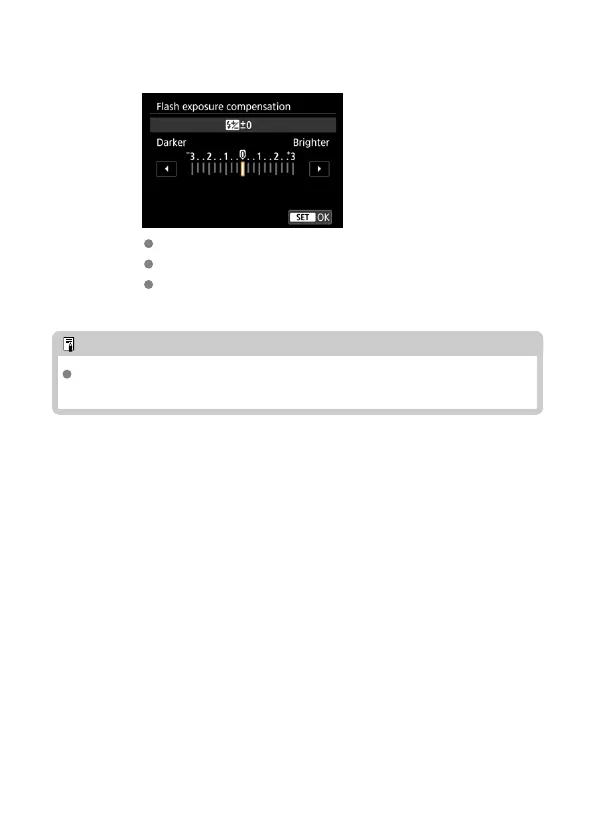
Set the flash exposure compensation amount.
After setting the compensation amount, select [OK].
“0.3” indicates 1/3 stops and “0.7” indicates 2/3 stops.
To cancel flash exposure compensation, return the compensation
amount to “±0.”
Note
Generally, set an increased exposure compensation for bright subjects and set a
decreased exposure compensation for dark subjects.
34













 To Next Page