FEB
You can take three shots while automatically changing the flash output. This is called FEB
(Flash Exposure Bracketing).
1.
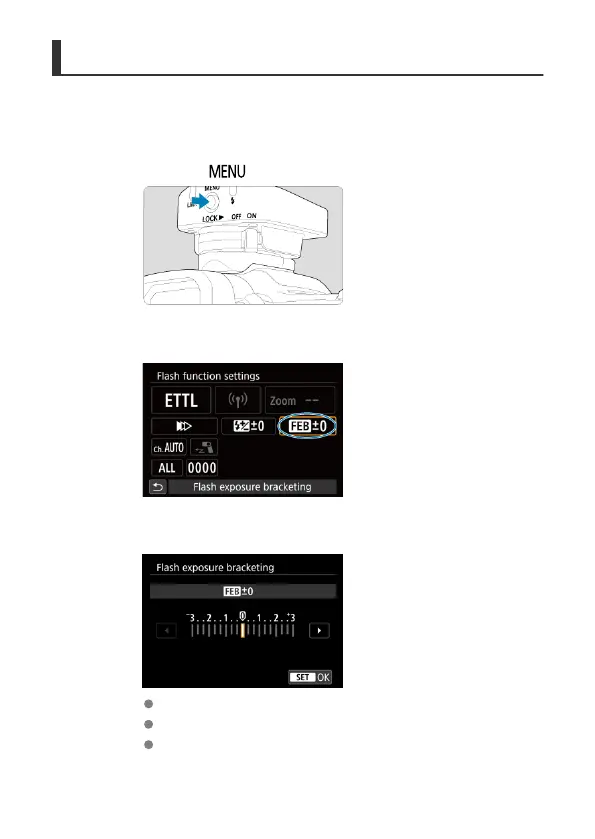
Press the < > button.
2.
Select [Flash exposure bracketing].
3.
Set the FEB level.
After setting the FEB level, select [OK].
“0.3” indicates 1/3 stops and “0.7” indicates 2/3 stops.
When used with flash exposure compensation, FEB shooting is
centered on your specified flash exposure compensation amount.
35













 To Next Page