Printer Connection Methods
LAN or USB connection is available to connect the printer to a smartphone/tablet.
LAN Connection:
USB Connection:
Another Connection Method:
LAN Connection:
Connect the printer to a smartphone/tablet via LAN.
Select one of the methods below for LAN connection.
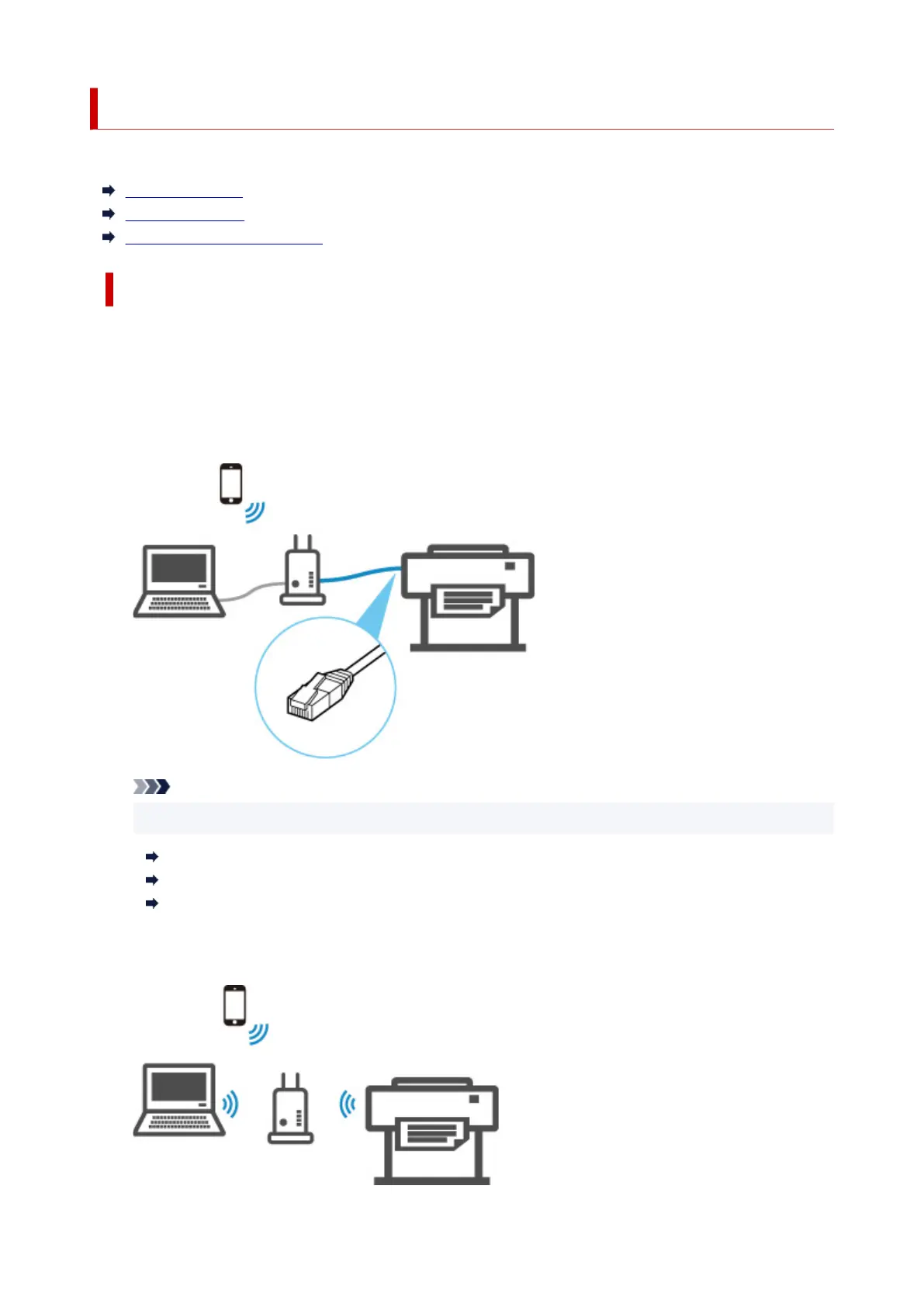
• Connection via wired LAN
Connect the printer and computer to a router using a LAN cable. If your router supports Wi-Fi
connection, you can connect a device via Wi-Fi.
Note
• Devices connected to the router must be connected to the same network
What Is Ethernet Cable?
Advantages of Connecting Printer via Wired LAN
Restrictions
• Connection via a wireless router
Connect the printer and computer or smartphone/tablet to a wireless router via Wi-Fi.
261











 To Next Page