7-b
7
ENGLISH
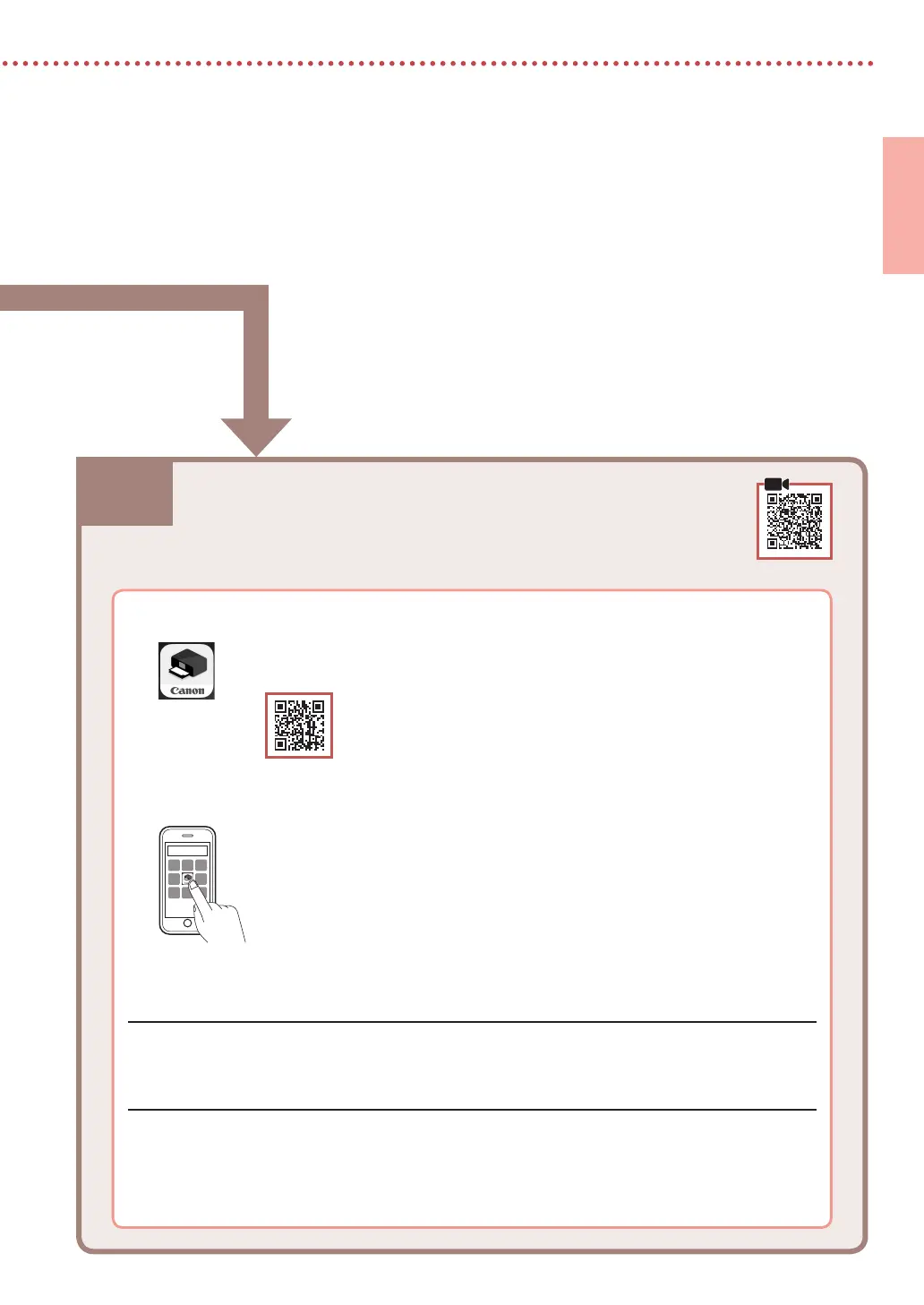
7-b. Connecting to a Smartphone
1
Install the "Canon PRINT Inkjet/SELPHY" app on your smartphone.
•
Search for "Canon PRINT" in App Store, or Google Play.
•
Access the Canon website to download the app.
2
Open the installed app, and follow the on-screen instructions in the app to add your
printer.
• Once you have added your printer, you can print from your smartphone. To print photos, see
"Loading Photo Paper" on page 8.
• To set up a fax, see "Using Fax Function" on page 8.
Connecting to a Smartphone
If you are using multiple smartphones, perform these steps on each smartphone.




 To Next Page