Setting Items for Copying
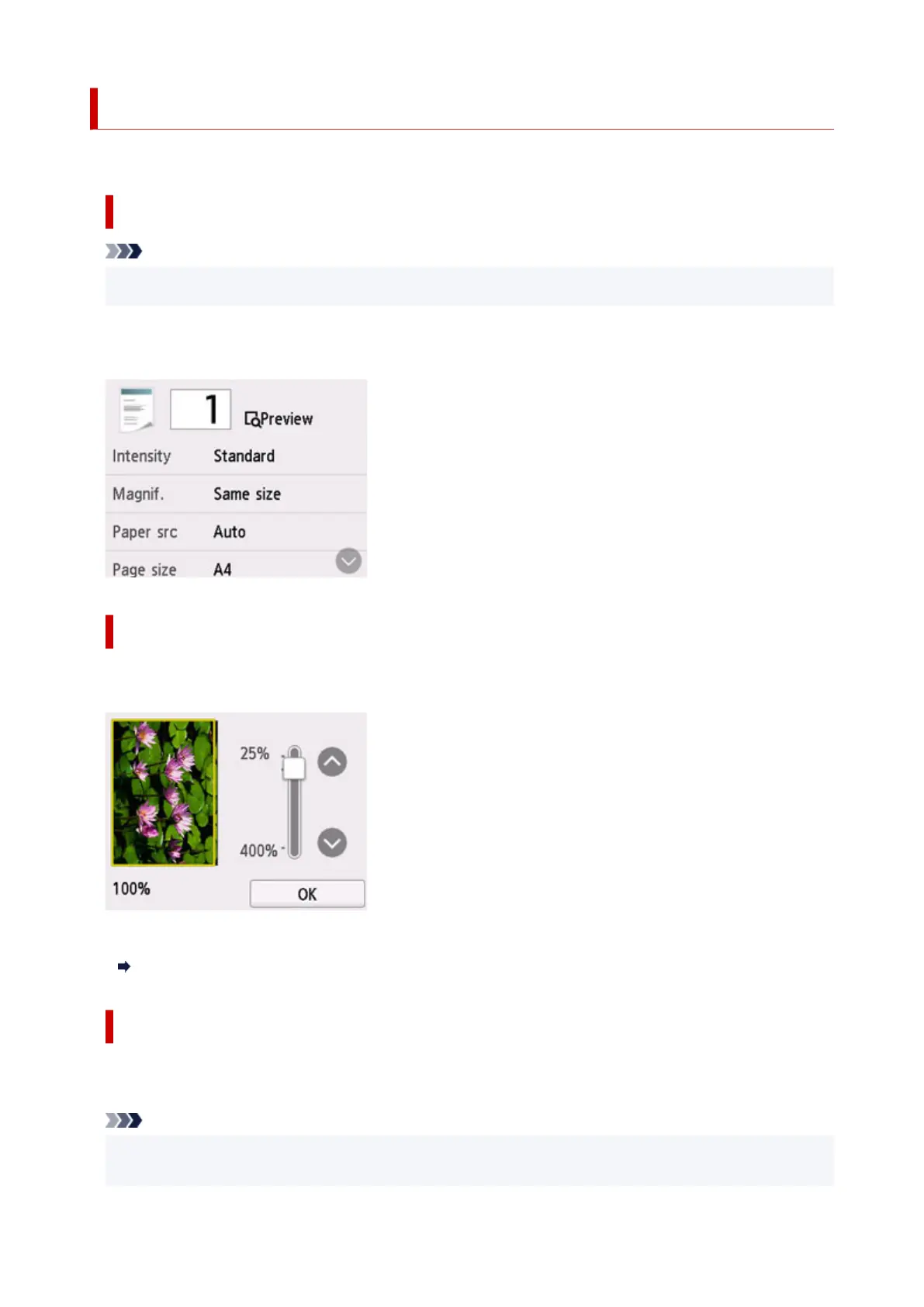
You can change the copy settings such as magnification and intensity.
Print Settings Screen
Note
•
For more on the print settings screen or the setting item for Photo copy, see Copying Photos.
The following screen is displayed by selecting Settings in the Copy standby screen.
Example in Standard copy:
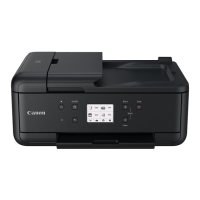
Preview
When Preview is displayed on the print settings screen, selecting Preview allows you to preview an
image of the printout on the preview screen.
For details, see below.
Displaying Preview Screen
Setting Items
Flick to display setting items and select the setting item to display the settings. Select to specify the
setting.
Note
• Depending on the copy menu, some setting items cannot be selected. This section describes the
setting items in Standard copy.
293




 To Next Page