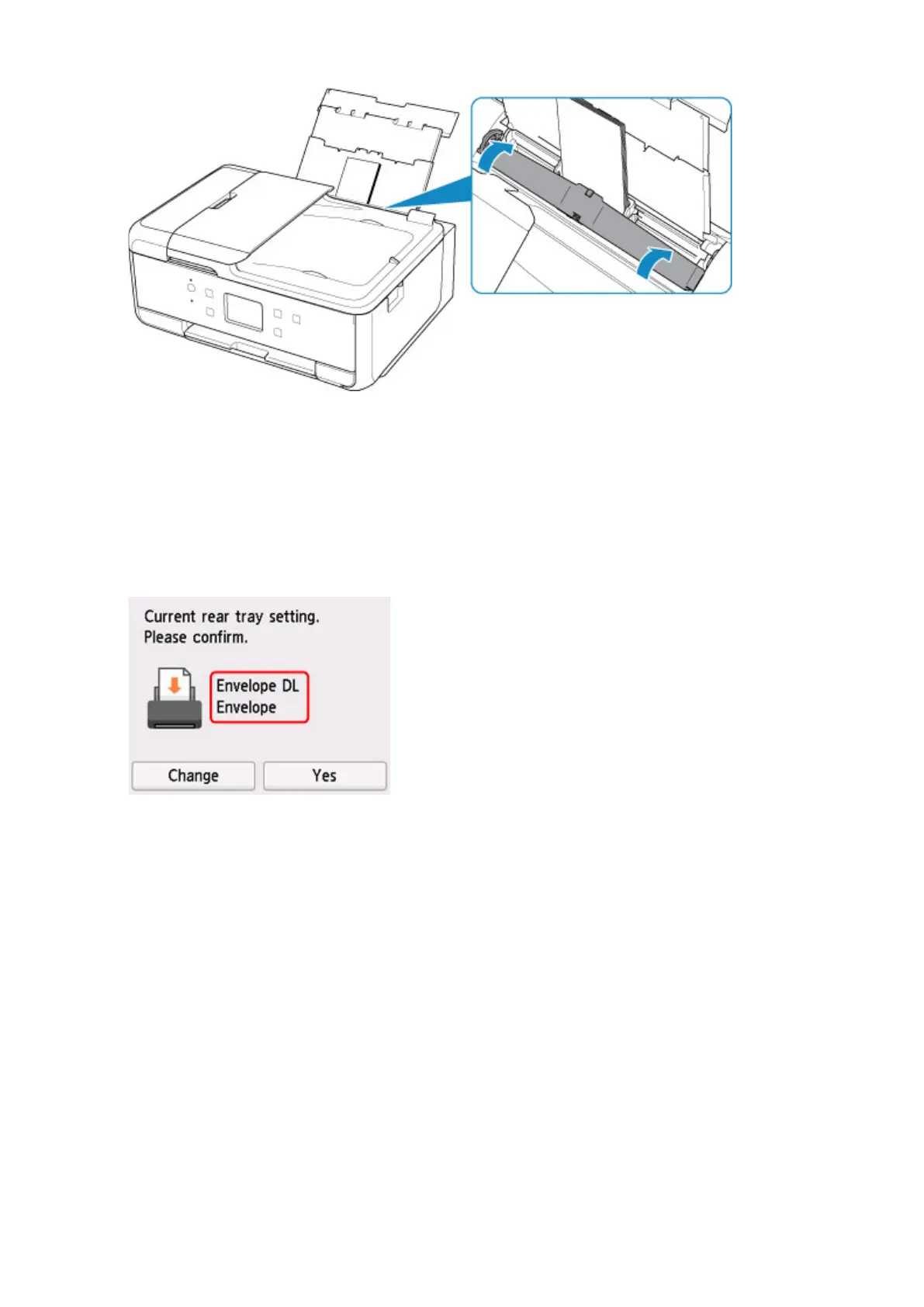
After closing the feed slot cover, the paper setting confirmation screen for the rear tray appears on the
touch screen.
8.
If page size and media type shown on touch screen match size and type of envelopes
loaded in rear tray, select Yes.
If not, select Change to change the settings in accordance with the size and type of the loaded
envelopes.
9.
Open the operation panel (F), pull out the paper output tray (G) and paper output support
(H), and open the output tray extension (I).
Be sure to open the operation panel before printing. If the operation panel is close, the printer does not
start printing.
90



 To Next Page