6-27
Using the Picture Recording Function
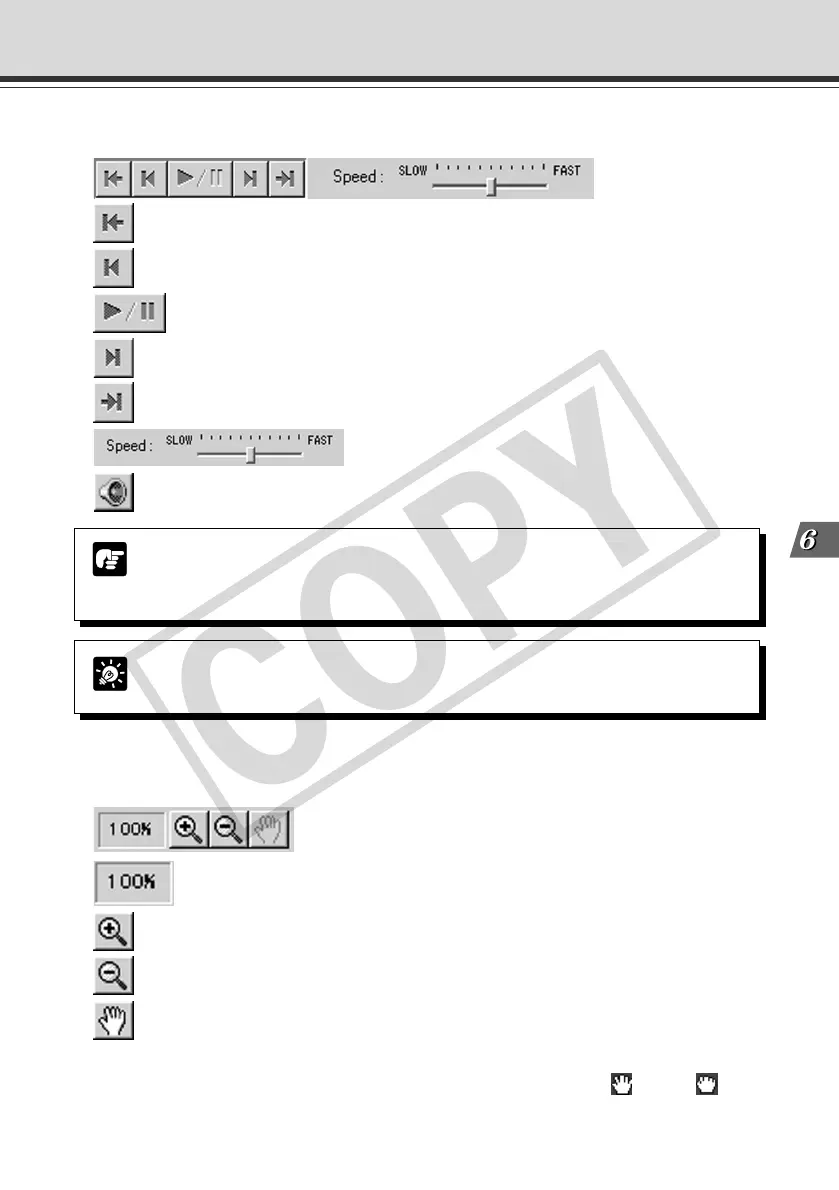
● Zoom in/out
Images can be zoomed in/out.
[Magnification] Shows the current magnification (10~500%).
[Zoom in] button Enlarges images by 10%.
[Zoom out] button Reduces images by 10%.
[Move] button If any image size is greater than the display area, you
can move the image display position. Clicking the
“Move” button to position the mouse cursor on the
image changes the cursor to . Move while
pressing the left mouse button on the image. The image
display position will be moved.
● Animation
Images can be consecutively displayed.
[Top] button Shows the first image.
[Prev] button Shows the previous image.
[Play/Pause] button Plays/pauses the animation.
[Next] button Shows the next image.
[Last] button Shows the final image.
[Speed] bar Adjust the speed for animation play-
back.
[Audio] button Plays an animation with sound.
Tip
During animation, the “Top”, “Prev”, “Next” or “Last” button cannot be used. If you
want to use any, click the “Play/Pause” button to stop the animation.
Note
When you use the “Audio” button to play an animation with sound, the animation is
played according to the audio playback speed, but they are not synchronized. Also,
you cannot use the “Playback speed” bar while the “Audio” button is enabled.
Using VBCollector
006-VBC50i-E-US 06.7.6, 11:40 AM27



 To Next Page