14
● Manual proxy configuration
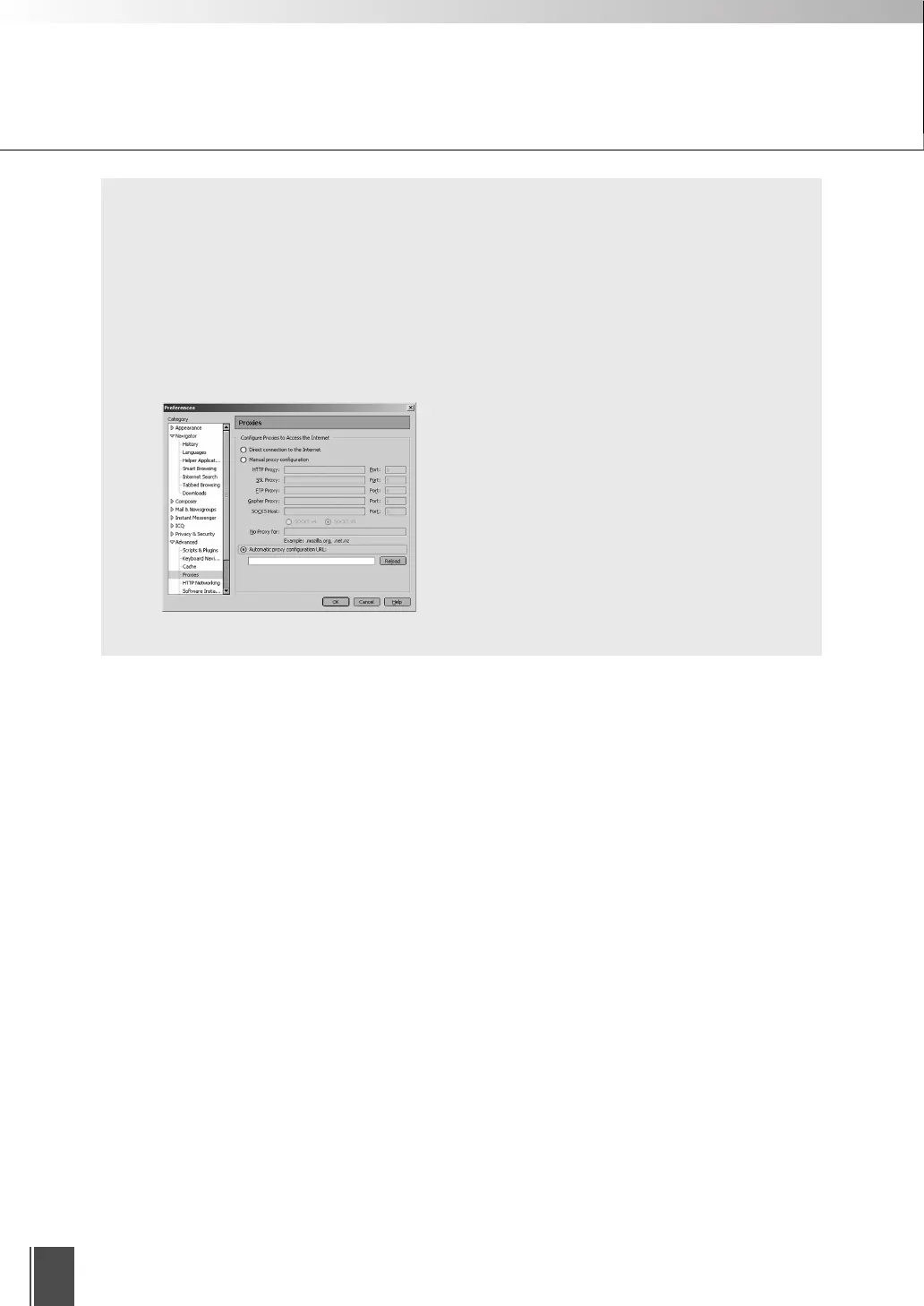
1 From the “Edit” menu, select “Preferences”.
2 Select “Proxies” in “Advanced” and select “Manual proxy configuration”.
3 In the “No Proxy for” field, enter “Camera server IP address:HTTP conversion server
service port”. If there are multiple settings, use a semicolon (;) as the separator (e.g.
192.168.100.1:80;192.168.0.20:80).
4 Click “OK” to close the Preferences dialog box.
* For Netscape 7.1
Preparations for Using the Viewer for Java










 To Next Page