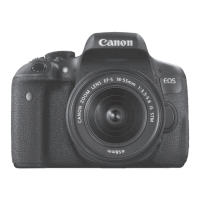
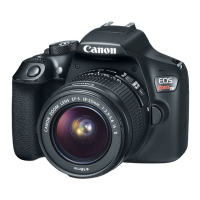
9
Preparations
Preparing the Camera
1
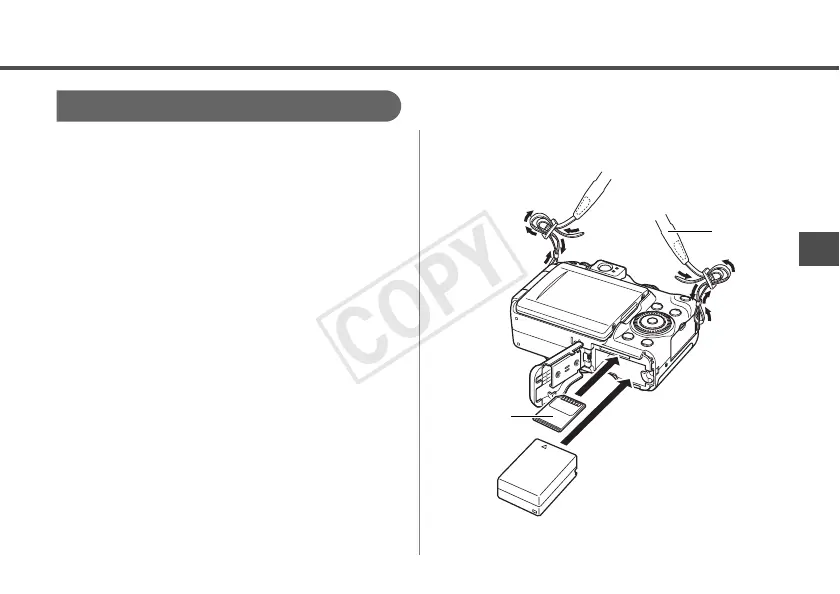
Confirm that the camera’s power is
off and open the memory card slot/
battery cover.
2
Insert the battery, and the memory
card.
• Please refer to the Camera User Guide for
information regarding the installation
methods for the battery and memory card.
• Use a battery that is adequately charged.
• Ensure you have enough storage space on
your memory card to record your images.
3
Remove the camera’s strap.
Memory
Card
Strap

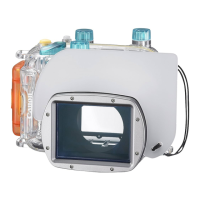

 To Next Page