17
Removing the Camera
1
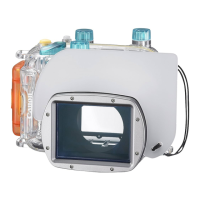
After use, be sure to completely
dry all the water from the
Waterproof Case.
• Remove any dirt, sand, hair or other debris
from the Waterproof Case, and wash it with
clean, running tap water to remove salt
deposits.
2
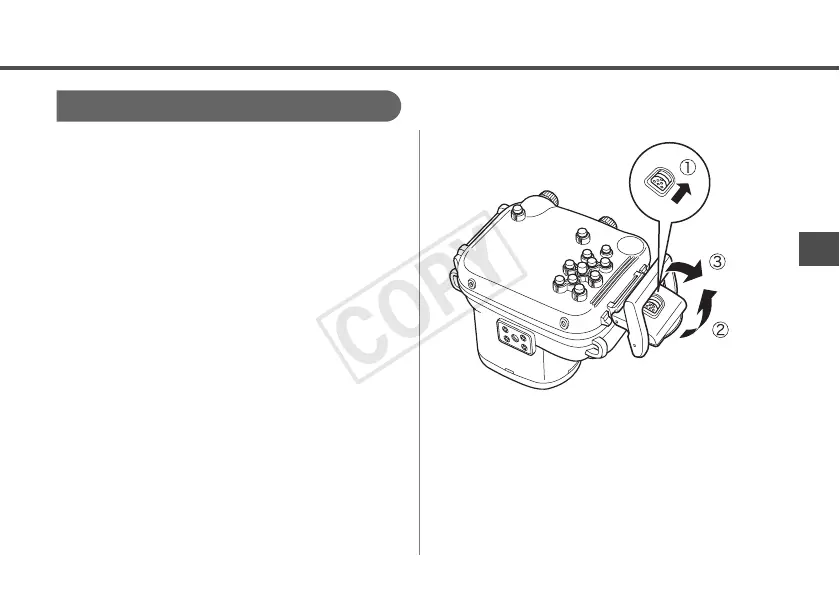
Slide the lock switch as shown,
and release the catch to open the
back cover. Remove the camera
from the case.
• Be careful not to allow drops of water from
your hair or body to fall on the camera or
Waterproof Case interior when the case is
open.
• Do not wash the interior of the Waterproof
Case with water. Wipe it with a soft, dry
cloth.


 To Next Page