16
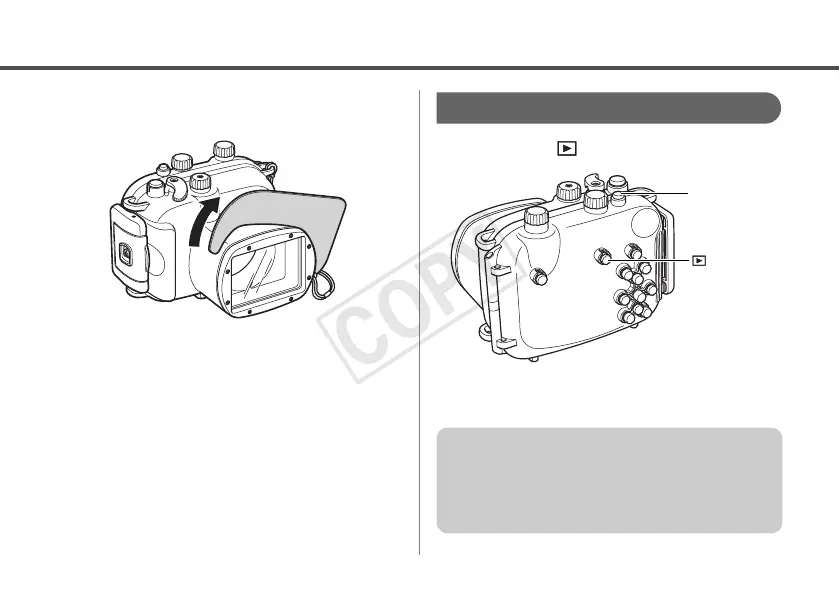
Removing the Diffusion Plate
Lift and remove the diffusion plate.
Playback
1
Press the (Playback) button.
2
When you have finished using the
camera, turn the camera off.
Power Button
(Playback)
Button
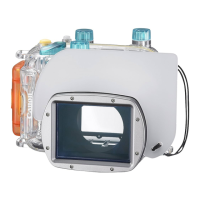
After you use the Waterproof Case, be sure to
remove the camera from it. If you leave the
Waterproof Case containing the camera in
direct sunlight or in a high-temperature place,
this may cause a fire or the case to burst.


 To Next Page