Need help?
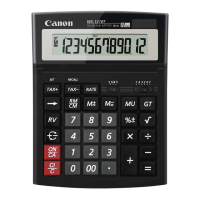
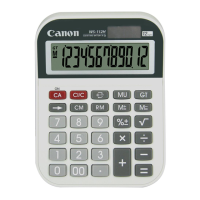
Do you have a question about the Canon WS-1210Hi III and is the answer not in the manual?
Examples of calculations involving multiple operations.
Demonstrates using the constant function in calculations.
Illustrates power and fraction operations.
Shows how to calculate square roots.
Examples of the reverse function.
Demonstrates calculations with floating decimal points.
Examples of calculations in Add Mode.
Illustrates round up, round off, and round down.
Examples of percentage operations.
Shows how to use memory functions.
Examples of accumulating grand totals.
Demonstrates tax calculation functions.
Examples for mark-up and mark-down.
Illustrates what happens during overflow.
General advice for using the calculator and handling it safely.
Details about the calculator's power sources.
Explanation of the auto power-off feature.
How to set the decimal point display.
Explanation of rounding options.
How to use the grand total memory.
Details on tax rate setting and usage.
Explains error conditions and clearing.
Technical details of the calculator.
Important safety information about batteries.
 General
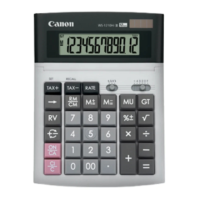
| Type | Desktop Calculator |
|---|---|
| Display Type | LCD |
| Display Size | 12 digits |
| Color | Silver |
| Power Source | Solar and Battery |
| Battery | LR44 |
| Functions | Tax calculation |

 To Next Page