EasyManua.ls Logo

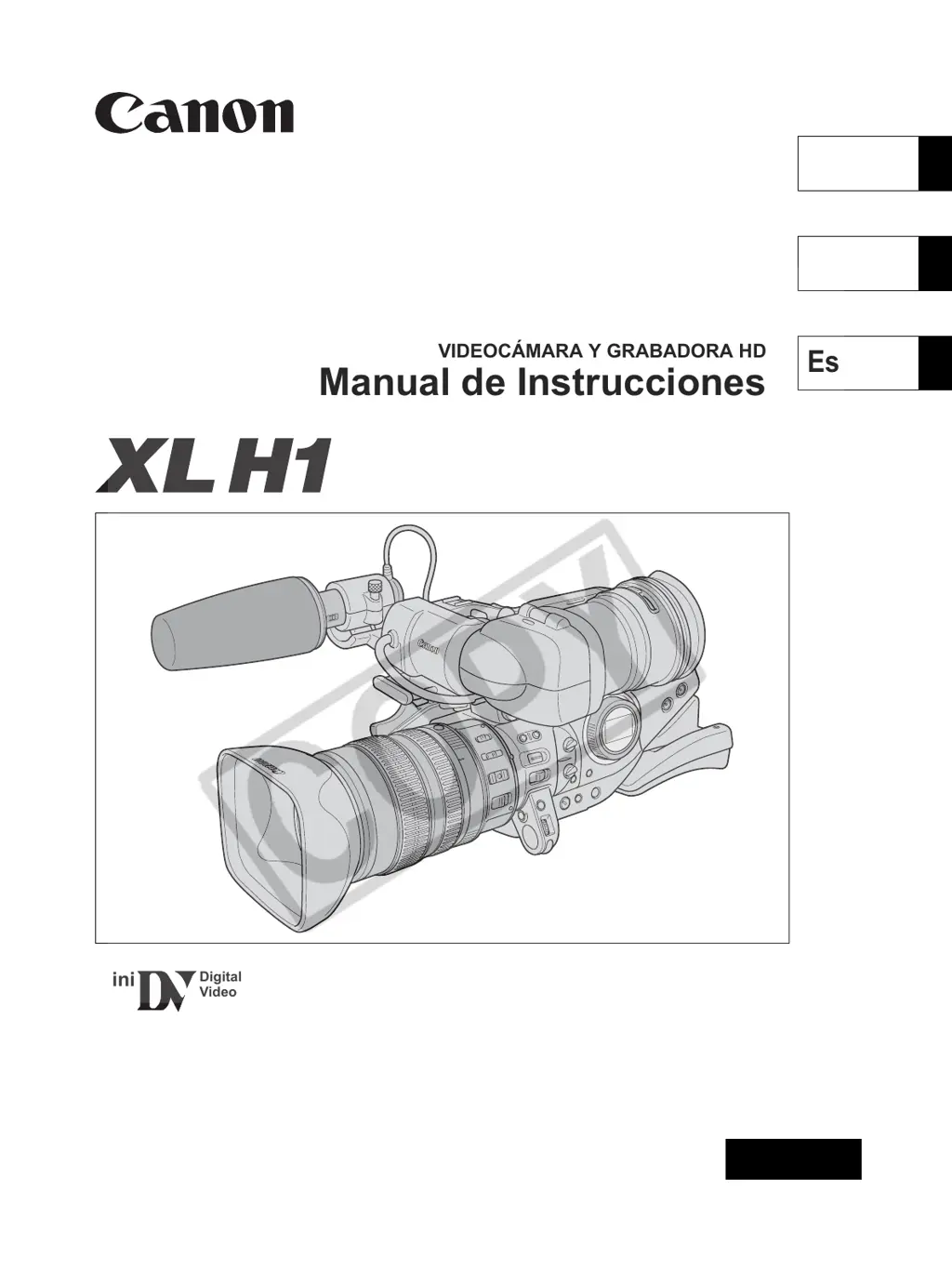
Canon XL H1 - User Manual

Canon XL H1
161 pages
Print Icon
To Next Page IconTo Next Page
Loading...
Mini
Digital
Video
Cassette
HD VIDEO CAMERA RECORDER
Instruction Manual
CAMÉSCOPE ET LECTEUR VIDÉO HD
Manuel d’instruction
VIDEOCÁMARA Y GRABADORA HD
Manual de Instrucciones
NTSC
A
PUB. DIM-720
English
Fran
ç
ais
Español

Table of Contents

Questions and Answers

  • D
    Devin CampbellSep 23, 2025
    Why does a vertical light bar appear on the screen of my Canon XL H1 Camcorder?
    • B
      Brittany BergerSep 23, 2025
      A vertical light bar appearing on the screen of your Canon Camcorder is typically due to bright light in a dark scene, which may cause a vertical light bar (smear) to appear. This is not a malfunction. Record in the Av mode with F5.6– F8.0.
  • J
    Jaime BlackAug 23, 2025
    What to do if pressing the start/stop button will not start recording on my Canon XL H1 Camcorder?
    • M
      Melissa WardAug 23, 2025
      If pressing the start/stop button does not start recording on your Canon Camcorder, it could be due to several reasons: * A cassette is not loaded. * The POWER dial is not set to a recording program. * The lock lever on the carrying handle is activated. Load a cassette, set the POWER dial to a recording program, or slide the lock lever to the left to deactivate it.
  • D
    Douglas CortezAug 25, 2025
    Why is the viewfinder picture blurred on my Canon XL H1 Camcorder?
    • E
      Edward OlsonAug 25, 2025
      If the viewfinder picture is blurred on your Canon Camcorder, it is likely that the viewfinder is not adjusted properly. Adjust the viewfinder using the dioptric adjustment lever.
  • J
    Jesus ChangAug 26, 2025
    Why does 'SET THE TIME ZONE, DATE AND TIME' appear on my Canon XL H1 Camcorder?
    • D
      Diane JonesAug 27, 2025
      The message 'SET THE TIME ZONE, DATE AND TIME' appears on the screen of your Canon Camcorder because the time zone, date, and time have not been set, or the built-in rechargeable lithium battery is exhausted. Set the time zone, date, and time. If necessary, power the camcorder with the compact power adapter and leave it connected with the POWER dial set to OFF for at least 24 hours to recharge the built-in battery before making the settings.
  • S
    Stephanie NorrisAug 27, 2025
    What to do if pressing the playback button does not start playback on my Canon XL H1 Camcorder?
    • A
      Amy BensonAug 27, 2025
      If pressing the playback button does not start playback on your Canon Camcorder, it could be due to a couple of reasons: either the camcorder is turned off or not set to VCR/PLAY mode, or a cassette is not loaded. Set the camcorder to VCR/PLAY mode or load a cassette.
  • G
    gavinkingSep 18, 2025
    What does it mean when “ ” flashes red on my Canon XL H1?
    • S
      Summer MckaySep 18, 2025
      If “ ” flashes red on your Canon Camcorder, it indicates that a card error has occurred. Turn off the camcorder, remove and reinsert the memory card. If the flashing persists, initialize the memory card.
  • L
    Lisa MooreSep 15, 2025
    Why can't I play back my Canon XL H1 Camcorder memory card?
    • B
      Benjamin NewtonSep 15, 2025
      If you cannot play back your Canon Camcorder memory card, the POWER dial or TAPE/CARD switch may not be set to the correct position. Set the POWER dial to VCR/PLAY and the TAPE/CARD switch to the appropriate setting.
  • M
    Maria HayesSep 16, 2025
    Why can't I erase an image on my Canon XL H1?
    • D
      Debbie WilsonSep 16, 2025
      If you cannot erase an image on your Canon Camcorder, it is likely because the image is protected. Cancel the protection to erase the image.
  • V
    vjonesSep 6, 2025
    What to do if the POWER dial is not in the OFF position but the POWER indicator is off on my Canon XL H1 Camcorder?
    • S
      Samantha CarneySep 7, 2025
      If the POWER dial is not in the OFF position but the POWER indicator is off on your Canon Camcorder, the [LED ON/OFF] option may be set to [OFF]. Set the [LED ON/OFF] option to [ON].
  • A
    Austin DelgadoSep 3, 2025
    Why is audio not recorded on my Canon XL H1?
    • M
      Mallory Morris DDSSep 4, 2025
      If audio is not being recorded on your Canon Camcorder, there are a couple of potential reasons: * The INPUT SELECT switch is not set to the correct position. * The REC LEVEL switch is set to M, and the recording level is set too low. Set the INPUT SELECT switch to the correct position or adjust the audio level correctly.

Summary

Introduction and Safety

Important Safety Instructions

Essential guidelines to prevent hazards and ensure safe operation of the camcorder.

Using this Manual

Explains manual structure, conventions, symbols, and abbreviations.

Camcorder Setup

Components Guide

Detailed labeling and description of camcorder buttons and dials.

Power Supply and Battery Management

Instructions for power adapter use, battery charging, and attachment.

Lens and Viewfinder Installation

Steps for attaching viewfinder, lens, and related components to the camcorder.

Recording Operations

Basic Recording Procedure

Steps for starting and stopping recording, and handling the camcorder after recording.

Signal Standards and Frame Rates

How to select HD/SD signals and various frame rates for recording.

Audio Recording Setup

Covers audio modes, channels, input selection, and adjusting recording levels.

Exposure and Image Control

Using AE modes, exposure lock, AE shift, gain, white balance, and zebra patterns.

Playback, Editing, and Memory Card Use

Playback Operations

Instructions for playing back tapes, including search and special modes.

Connecting to External Devices

Guides for connecting to monitors, TVs, computers, and other devices.

Memory Card Management

Covers image quality, recording stills, managing files, erasing, protecting, and initializing cards.

Additional Information and Maintenance

Settings and Displays

Details on retained settings, screen displays, and troubleshooting messages.

Maintenance and Troubleshooting

Guidance on camcorder care, cleaning, and resolving common operational issues.

System Specifications

Detailed technical specifications of the camcorder's system, lens, and memory card.

Canon XL H1 Specifications

General IconGeneral
Filter size72 mm
Optical zoom20 x
Image stabilizerYes
Focal length (35mm film equivalent)38.9 - 778 mm
Sensor type-
Total megapixels1.67 MP
Effective megapixels (movie)- MP
FocusAuto/Manual
I/O ports- IEEE1394 - EVF - SD in/out - S-Video - Headphone
Power consumption (typical)7.8 W
Display diagonal2.4 \
Maximum frame rate25 fps
Camcorder tape typeMini-DV
Compatible memory cardsMMC, SD
Firewire (IEEE 1394) ports2
Product colorBlack
Battery life (max)5 h
Operating temperature (T-T)0 - 40 °C
Weight and Dimensions IconWeight and Dimensions
Depth496 mm
Width226 mm
Height220 mm
Weight3750 g

Related product manuals