EasyManua.ls Logo

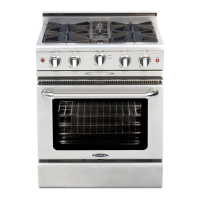
Capital MCOR304 - User Manual

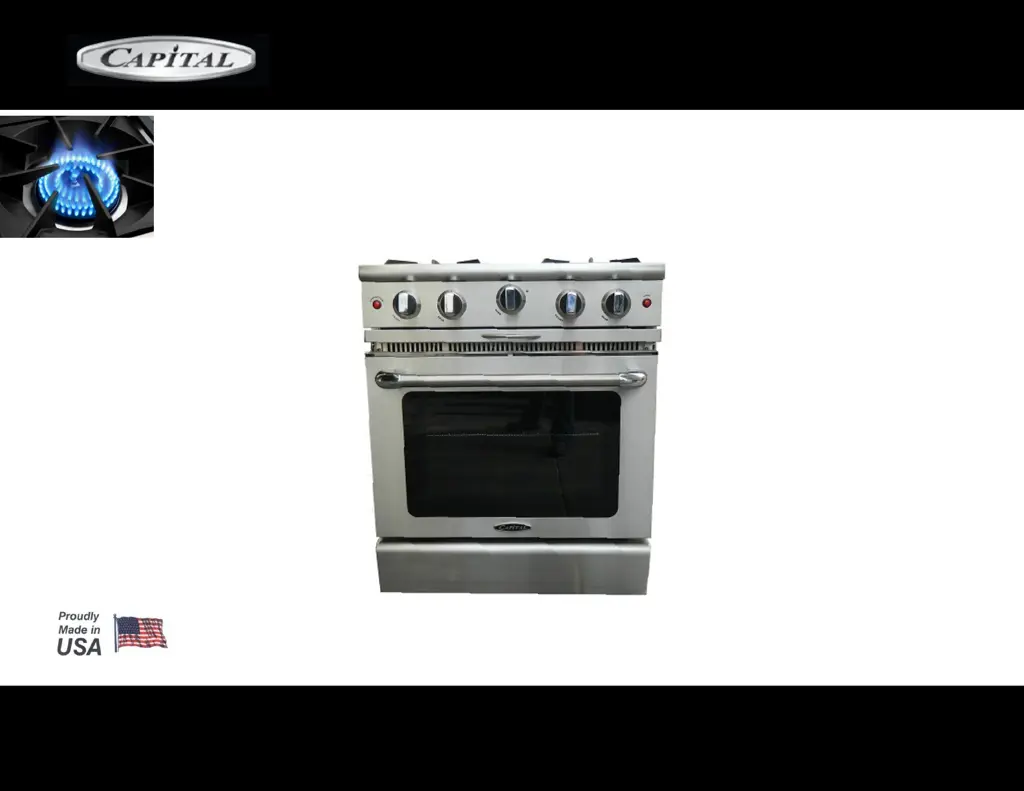
Capital MCOR304
46 pages
Print Icon
To Next Page IconTo Next Page
Loading...
USE AND CARE & INSTALLATION GUIDE
MCOR SERIES
MCOR GAS MANUAL CLEAN

Questions and Answers

  • B
    Brian CabreraAug 11, 2025
    How to fix a Capital Range when the oven light is not working?
    • J
      joshuanelsonAug 11, 2025
      If the oven light in your Capital Range isn't working, start by checking the circuit breakers to ensure there is electricity. Also, verify the plug is properly connected at the wall. If power isn't the issue, make sure the bulb is correctly screwed in. If it's still not working, the bulb may be burned out and require replacement.
  • J
    Jose CollinsAug 21, 2025
    What to do if my Capital Ranges oven is not heating up when baking?
    • K
      Kevin TranAug 21, 2025
      If your Capital Range isn't heating up when set to bake, first, check if the top burner is working to ensure there's gas. Then, check the circuit breakers and the plug to ensure the range has electricity. Finally, make sure the knob selector is set to the correct baking settings.
  • T
    Travis BellAug 31, 2025
    How to ensure even baking with Capital Ranges?
    • M
      Michael CaseyAug 31, 2025
      To ensure even baking in your Capital Range: * Allow the oven to preheat for at least 15 minutes before placing food inside. * Verify that the knob selector is set to the correct settings. * Use the recommended utensils and place them properly on the correct rack positions.

Capital MCOR304 Specifications

General IconGeneral
BrandCapital
ModelMCOR304
CategoryRanges
LanguageEnglish

Related product manuals